
Why Telegram mini apps 2026 matter
The friction of downloading, installing, and registering for a native app is killing conversion rates. Users want immediate access to services without the overhead. Telegram mini apps solve this by embedding full web experiences directly inside the messenger. A user clicks a link or a button and the application loads instantly, bypassing the app store entirely.
This shift addresses "app fatigue" head-on. Instead of scattering users across a dozen different platforms, you bring the experience to where they already are. Telegram boasts over 1 billion monthly active users. By building a Telegram mini app, you tap into this built-in distribution network without paying for ad-driven acquisition or navigating complex store approval processes.
For developers, the technical barrier is lower than building a native mobile app. You use standard web technologies like HTML, CSS, and JavaScript. The Telegram SDK provides the necessary components to interface with the user's profile, handle payments, and manage the in-app window. This means you can ship a functional product in weeks rather than months, iterating quickly based on real user feedback.
The business case is clear. You eliminate the drop-off points associated with native app funnels. Users don't abandon the process because they don't have to wait for a download or create a new account. They simply engage. This immediacy translates to higher retention and easier monetization, making Telegram mini apps a critical channel for any product targeting modern, mobile-first users.
Choose your launch entry point
Telegram Mini Apps offer seven distinct ways to launch. For a Web3 developer, the goal is to place your app where the user is already looking. The entry point dictates how the user interacts with your dApp—whether they discover it through search, click a persistent button, or use a quick reply.
Profile Button
This is the most visible entry point. When users visit your bot’s profile, they see a "Mini App" button. This is ideal for apps that serve as the primary interface for your bot, such as a TON wallet or a community dashboard. It requires no extra configuration beyond setting the bot’s description and avatar.
Inline Button
Inline buttons appear directly under messages. Users click these buttons to launch the app without leaving the chat context. This is the standard pattern for dApps embedded in feeds, such as a "Claim Rewards" button under a notification or a "Swap" button in a trading bot. You configure these via the BotFather or programmatically when sending messages.
Keyboard Button
A custom keyboard button replaces the standard text input area. This is best for apps that require frequent, repetitive actions, like a quick crypto transfer or a game move. It keeps the app accessible at all times, reducing the friction of navigating menus.
Other Entry Points
Telegram also supports launching via inline queries (searching for your bot), menu buttons, and deep links. For most Web3 projects, the profile button and inline buttons provide the best balance of visibility and user control.
To configure these buttons, you will primarily use the BotFather. Use the /newapp or /mybots commands to set the button type, label, and URL. Ensure the URL you provide is the public endpoint of your deployed Web3 frontend.
Set up the frontend environment
You can build a Telegram Mini App using any modern frontend framework. React and Vue are the most common choices, but the core requirement is simply a web server that can serve your static assets. The Telegram client handles the rendering and communication.
Start by initializing a new project. If you prefer React, use Vite for a fast development experience. If you use Vue, the Vue CLI or Vite works equally well. The goal is to have a simple HTML file that loads your JavaScript bundle.
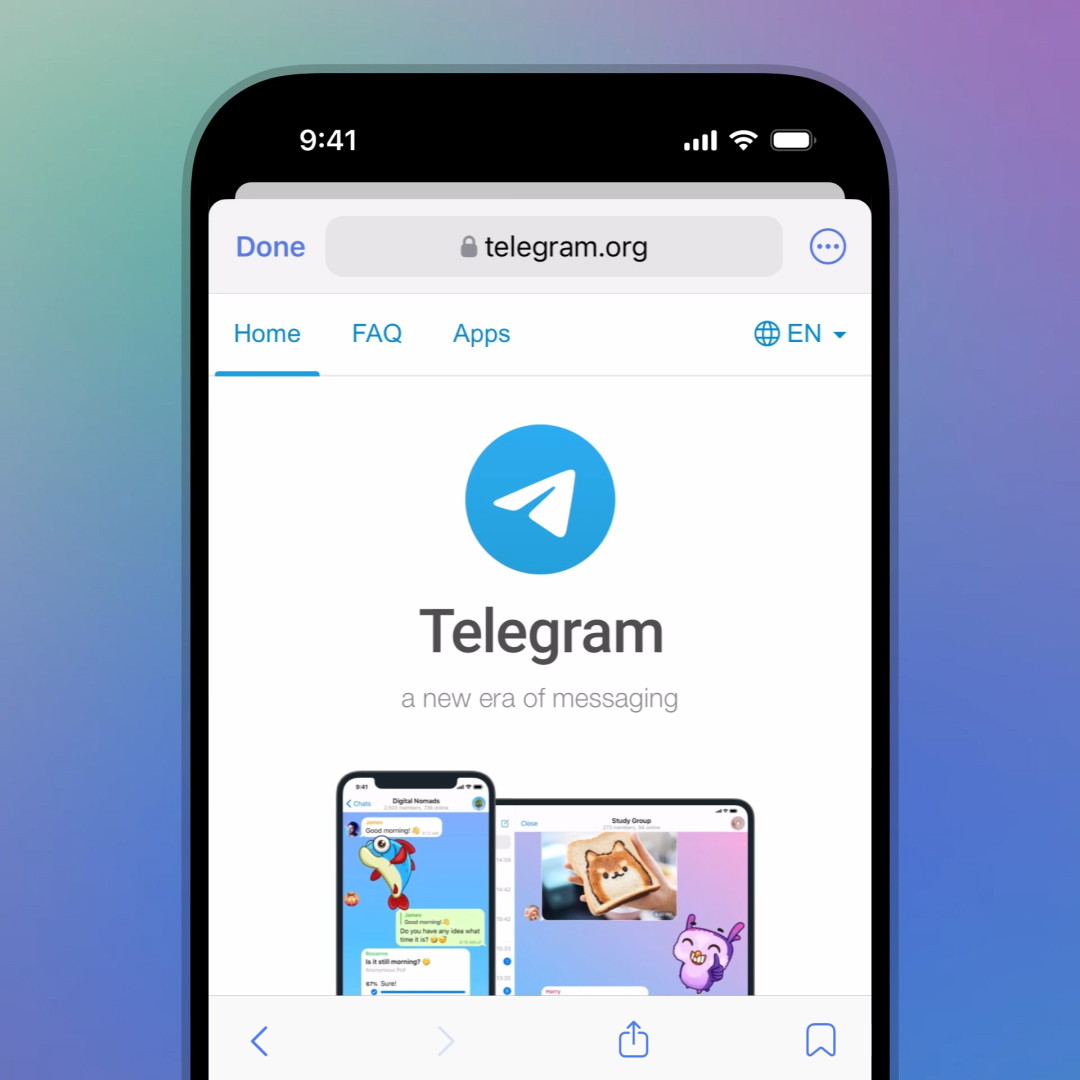
Run npm install @twa-dev/sdk in your project root. This package provides the TypeScript definitions and helper functions for the Telegram Web Apps SDK. It simplifies accessing user data, theme parameters, and native UI elements.
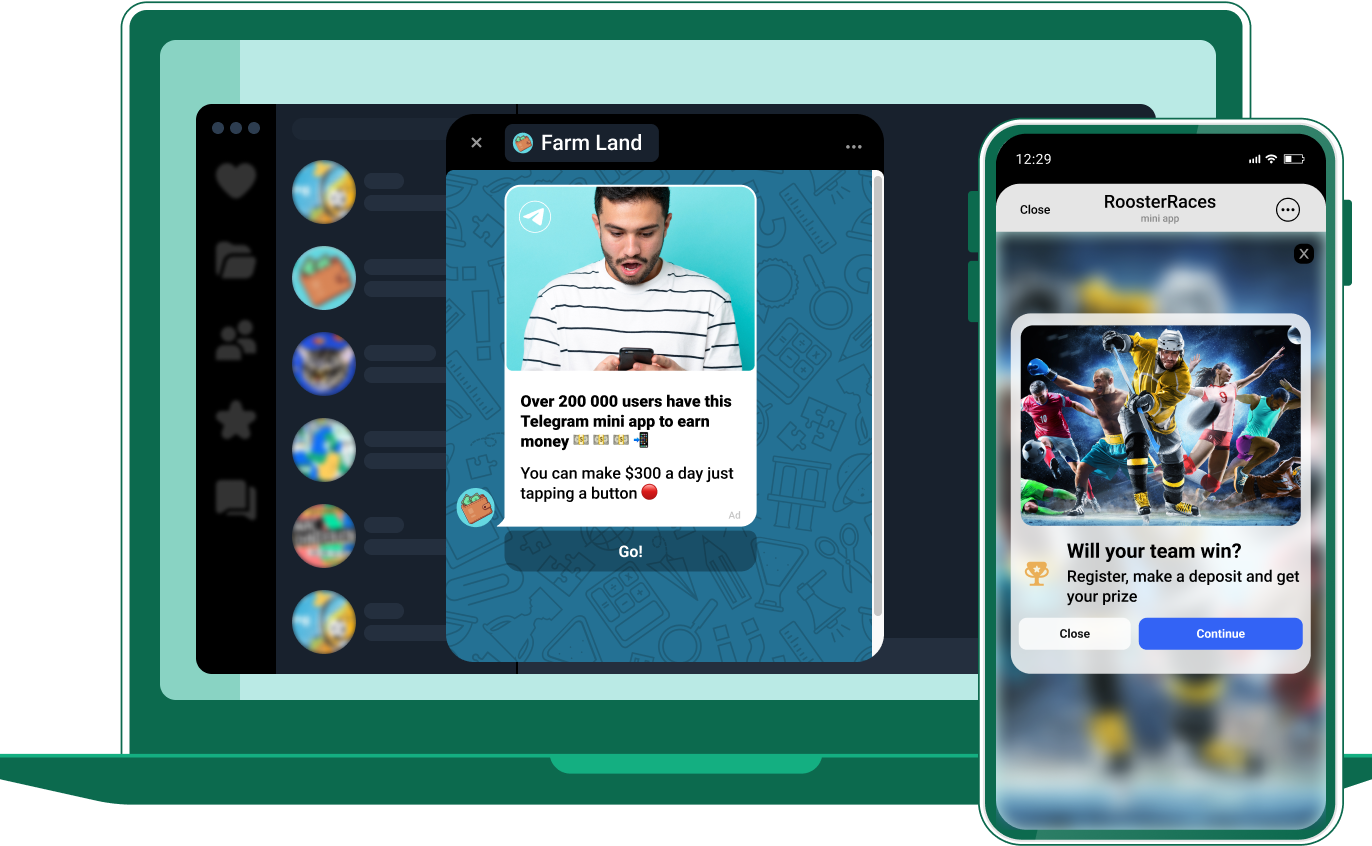
Import and initialize the SDK in your main entry file. For React, this usually means calling init() in your root component. This step ensures the SDK is ready to receive events from the Telegram client, such as theme changes or back button presses.
import { init, expand } from '@twa-dev/sdk';

// Initialize the SDK
init();

// Optional: Expand to full height on load
expand();
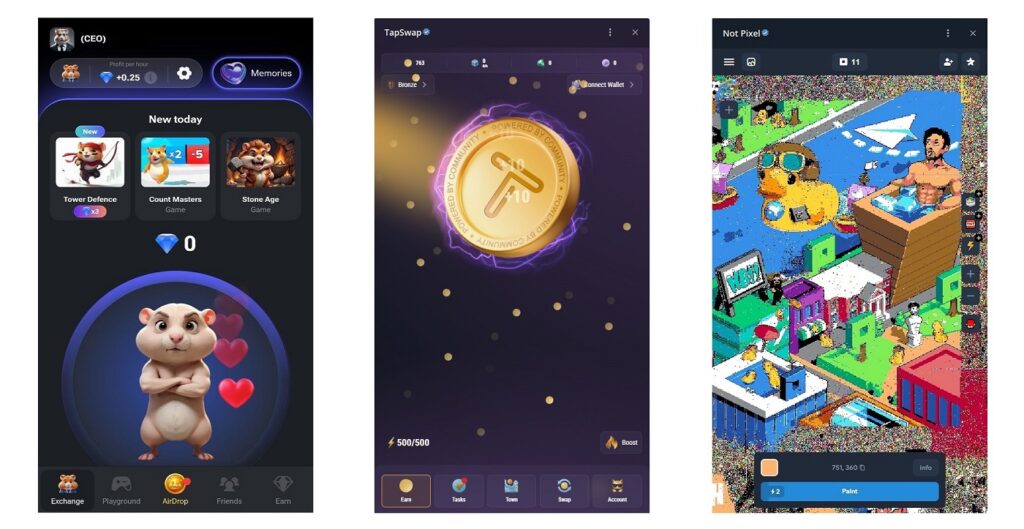
Create a basic component structure that respects Telegram’s viewport. Use the MainButton and BackButton components provided by the SDK to integrate native UI elements. These buttons appear at the bottom of the screen and adapt to the user’s theme automatically.
import { MainButton } from '@twa-dev/sdk';

function App() {
  return (
    <div className="app-container">
      <h1>Hello Mini App</h1>
      <MainButton text="Proceed" onClick={() => console.log('Clicked')} />
    </div>
  );
}
Once your local server is running, you can test the app in Telegram’s @BotFather interface. Connect your bot to the URL where your frontend is hosted. Telegram will inject the necessary context into your web app, allowing you to access user information and device capabilities.
Connect the TON Blockchain
To give your Mini App Web3 capabilities, you need to bridge the frontend environment with the TON blockchain. The standard approach is using the @tonconnect/ui-react library, which handles wallet discovery, connection dialogs, and transaction formatting. This keeps your code clean and ensures compatibility with the Telegram Wallet and other TON-compatible wallets.
1. Install the SDK
Add the UI and core packages to your project. This provides the React components and the underlying protocol implementation.
npm install @tonconnect/ui-react @tonconnect/sdk
2. Configure TonConnectUI
Wrap your application root with TonConnectUIProvider. You must provide a manifestUrl pointing to a JSON file that describes your app (name, URL, icon). This is required for security; wallets use it to verify the app's identity before showing connection prompts.
import { TonConnectUIProvider } from '@tonconnect/ui-react';

export function App() {
  return (
    <TonConnectUIProvider manifestUrl="https://yourdomain.com/tonconnect-manifest.json">
      <YourAppContent />
    </TonConnectUIProvider>
  );
}
3. Connect the Wallet
Use the useTonConnectUI hook to trigger the connection modal. This hook exposes connectWallet and disconnectWallet methods. In Telegram, this often opens the in-app wallet interface directly.
import { useTonConnectUI } from '@tonconnect/ui-react';

function ConnectButton() {
  const [tonConnectUI] = useTonConnectUI();

  return (
    <button onClick={() => tonConnectUI.openModal()}>
      Connect Wallet
    </button>
  );
}
4. Send a Transaction
Once connected, use the tonConnectUI.sendTransaction method. Define your transaction object with messages (to, value, body) and await the blockchain confirmation. Handle errors gracefully, as users may reject the transaction in their wallet.
const sendTransaction = async () => {
  try {
    await tonConnectUI.sendTransaction({
      messages: [
        {
          address: "UQ...",
          amount: "1000000000", // in nanotons
          payload: "..."
        }
      ]
    });
  } catch (e) {
    console.error("Transaction failed or rejected", e);
  }
};
Native Apps vs. Telegram Mini Apps
Choosing between a native mobile app and a Telegram Mini App depends on your budget, timeline, and how you plan to acquire users. Native apps require individual app store submissions and separate builds for iOS and Android, which adds significant overhead. Telegram Mini Apps run inside the messenger, allowing you to distribute updates instantly without waiting for store approvals.
Cost and Time-to-Market
Native development typically demands two distinct codebases or a complex cross-platform framework, along with ongoing maintenance for each platform. This doubles your initial build time and long-term support costs. In contrast, Mini Apps are built once using web technologies (HTML, CSS, JavaScript) and run on any device with Telegram. This single-codebase approach drastically reduces development time and eliminates platform-specific bugs.
User Acquisition and Distribution
Acquiring users for a native app requires paid marketing, ASO (App Store Optimization), and convincing users to download and install an app from a store. Telegram Mini Apps leverage Telegram’s existing social graph. Users can access your app through links shared in chats, bots, or channels, bypassing the friction of installation. This social distribution model often results in a lower Customer Acquisition Cost (CAC) and faster viral growth.
Comparison Overview
The table below summarizes the key differences in development effort and distribution strategy.
| Metric | Native App | Telegram Mini App |
|---|---|---|
| Development Cost | High (iOS + Android) | |
| Development Cost | Low (Single Web Codebase) | |
| Time-to-Market | Weeks (Store Review) | |
| Time-to-Market | Days (Instant Deploy) | |
| User Acquisition | Paid Ads + ASO | |
| User Acquisition | Social Sharing + Bots | |
| Platform Support | iOS, Android, Web | |
| Platform Support | iOS, Android | |
| Platform Support | iOS, Android, Web | |
| Platform Support | All Telegram Platforms |
Test and deploy your mini app
Before making your Telegram mini app public, you need to verify that it functions correctly within the Telegram environment. Telegram provides a dedicated debug mode that allows you to test your WebApp without needing a live bot or public endpoint. This local testing phase is critical for catching integration errors early.
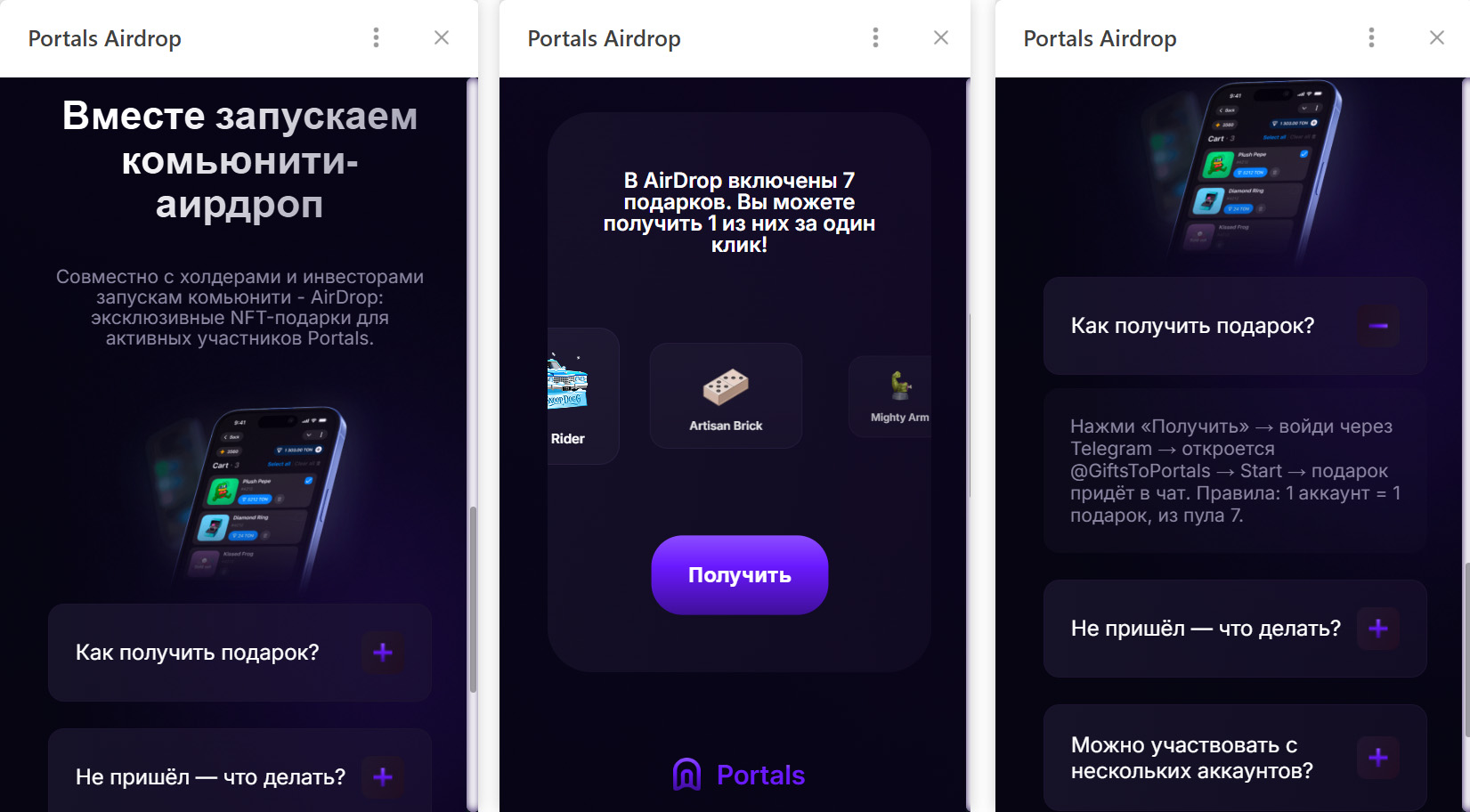
Open your Telegram client and navigate to the BotFather. Send the command /newapp or select an existing bot. When prompted for the Web App URL, you can enter localhost or a local tunnel URL (like ngrok). Telegram will allow you to launch the app directly from the bot interface, bypassing the need for a public HTTPS certificate initially.
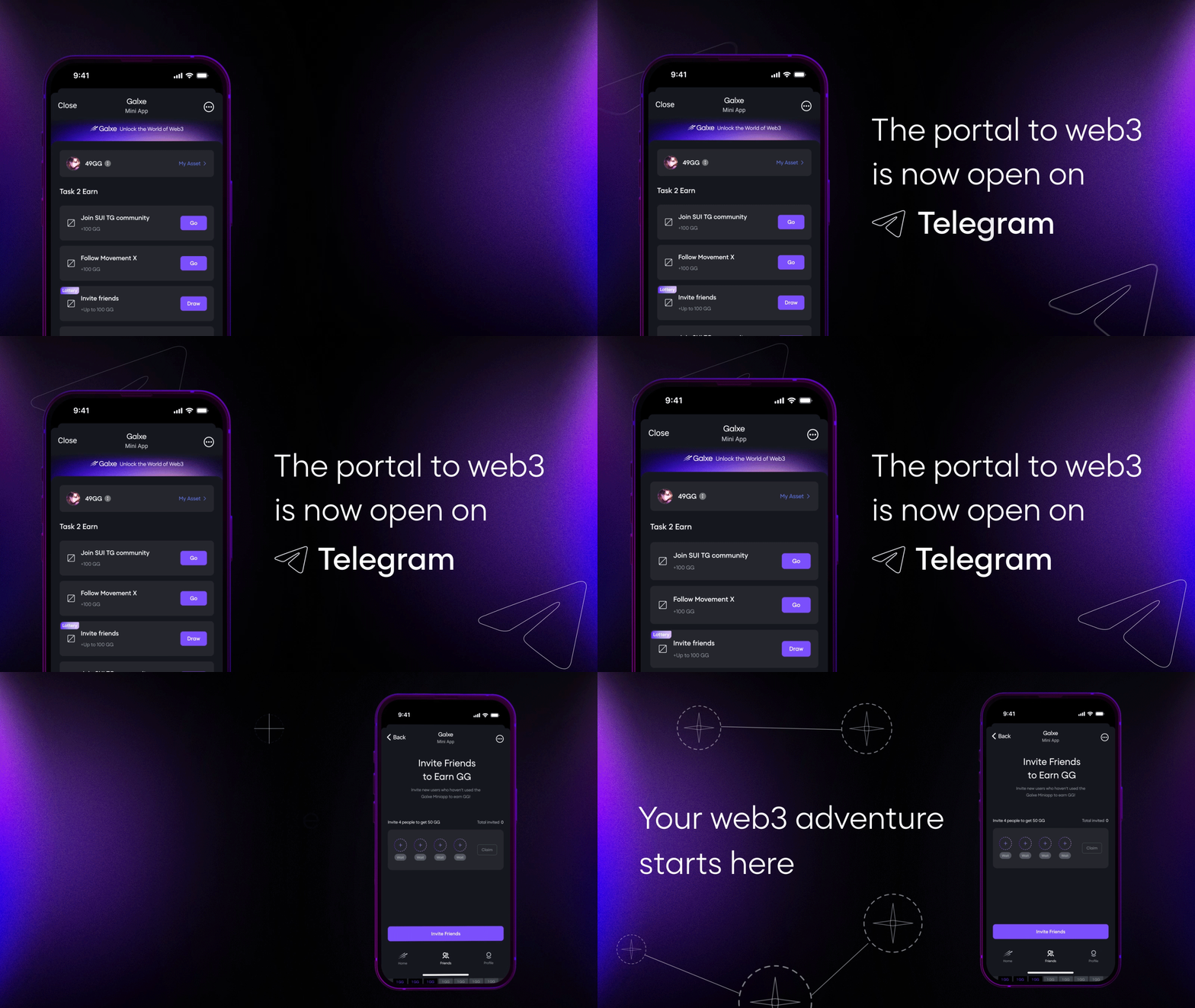
Ensure the Telegram.WebApp object is correctly initialized. Test key interactions such as opening the app, reading user data, and triggering main button actions. Use the browser's developer tools to check for console errors. If your app relies on TON Connect or other Web3 wallets, verify that the wallet connection modal appears and responds correctly within this debug environment.
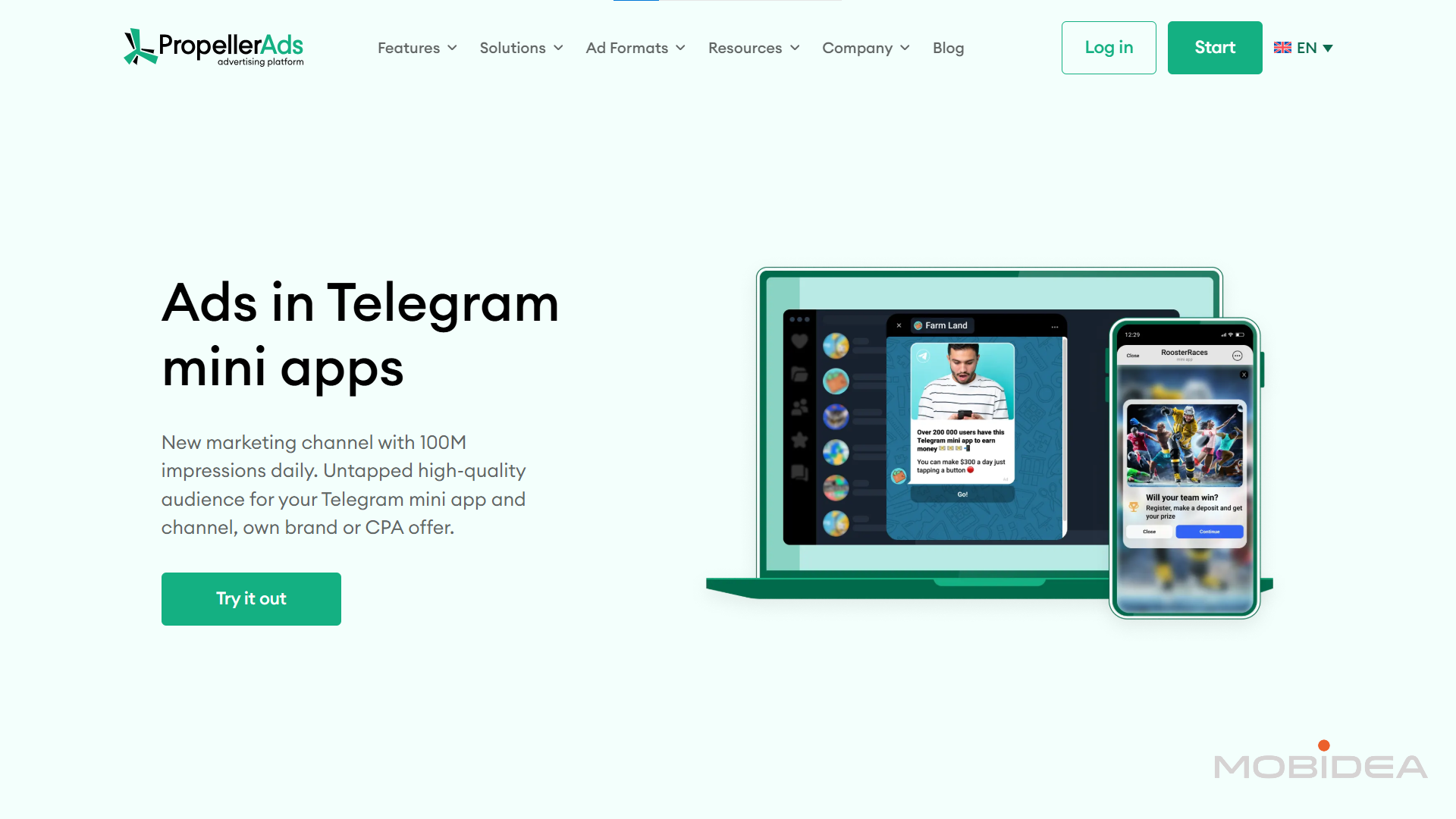
Once testing is complete, deploy your static files to a secure hosting provider. Telegram Mini Apps require a valid HTTPS endpoint. Services like Vercel, Netlify, or GitHub Pages are suitable for this purpose. Ensure your deployment is live and accessible via a stable URL before proceeding to the final bot configuration.
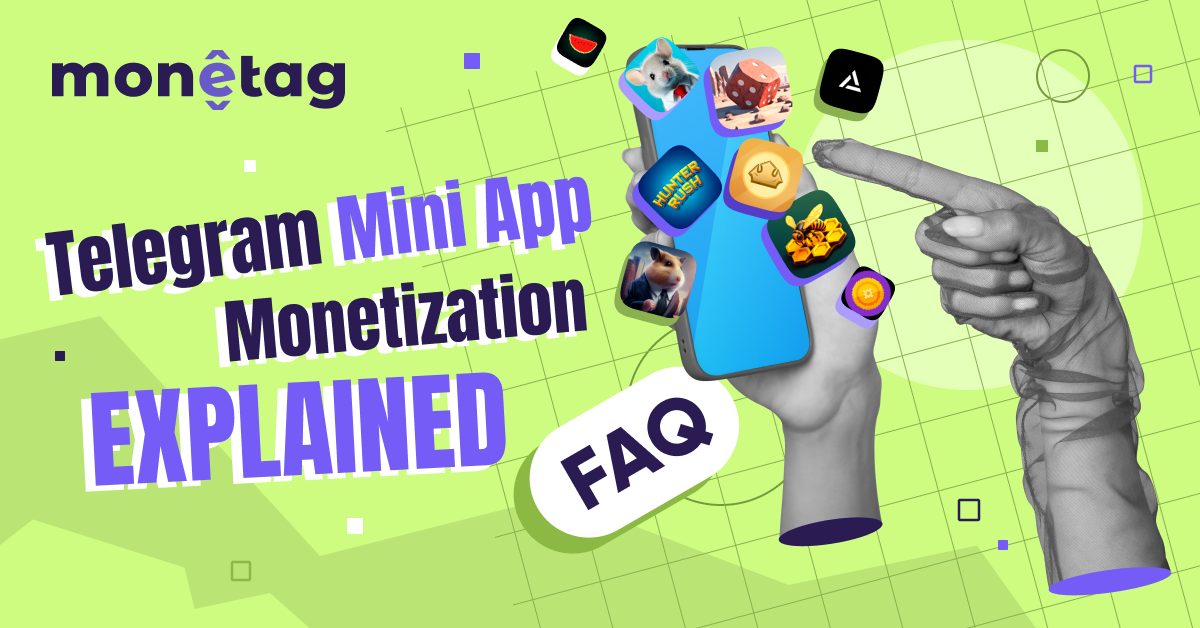
Return to BotFather and update the Web App URL with your new public HTTPS link. You can now share the bot link with other users. Test the live link to ensure the app loads correctly in a standard Telegram client. If the app is intended for a specific group or channel, configure the appropriate inline button or menu button settings in BotFather to control user access.
Checklist for launch:
-
Debug mode testing complete
-
HTTPS endpoint verified
-
BotFather URL updated
-
Live link tested in public client
Common questions about Telegram mini apps
What are Telegram mini apps? Telegram mini apps are web applications that run directly inside the Telegram messenger. They launch instantly without requiring users to download or install separate files from an app store. This architecture allows developers to deliver services, games, and crypto tools with a consistent user experience, leveraging Telegram’s native interface and user data.
What are popular examples of Telegram mini apps? Several mini apps have gained traction by solving specific user needs. Notable examples include:
- @wallet: The official wallet for storing, sending, and exchanging crypto assets like Toncoin.
- TON Play: A toolkit and storefront for game developers to distribute games directly to Telegram users.
- Telegram Shop Platform: An e-commerce solution allowing merchants to sell products within the chat interface.
- Tribute: A platform for content creators to monetize their work through donations and subscriptions.
For a broader list of curated mini apps, check the Awesome Telegram Mini Apps repository on GitHub.
No comments yet. Be the first to share your thoughts!