
Get Telegram Mini Apps 2026 Right
Before writing a single line of code, you need to align your technical stack with Telegram’s specific runtime. Telegram Mini Apps are essentially web applications launched inside the Telegram client. This means you are building a web app, but you must respect the constraints of the in-app browser environment. The user experience must feel native, not like a clunky mobile website.
1. Choose Your Launch Vector
Telegram supports seven different ways to launch a Mini App. Your choice here dictates how users discover and interact with your app. The most common entry points include a profile button, a keyboard button, or an inline button triggered by a bot command.
- Profile Button: Best for established bots where the app is the primary utility.
- Keyboard Button: Ideal for interactive bots that need persistent access to a tool.
- Inline Button: Perfect for one-off actions triggered by specific messages or queries.
Select the vector that matches your user’s intent. If your app is a game, an inline button might be too passive. If it’s a utility like a wallet, a keyboard button provides constant access.
2. Set Up the Development Environment
You need the Telegram Web Apps SDK. This JavaScript library provides the bridge between your web app and the Telegram client. It handles user data, theme parameters, and platform-specific gestures. Without it, you are building blind to the host environment.
Install the SDK via npm:
npm install @twa-dev/sdk
Import it into your main entry point. Initialize it immediately so you can access the initData object, which contains the user’s ID and other metadata. This data is your primary authentication mechanism; treat it with care.
3. Design for the Telegram UI
Telegram provides a set of UI components and theme parameters. Use them. Your app should adopt the user’s current theme (light or dark) automatically. This isn’t just cosmetic; it reduces cognitive load and makes the app feel like part of Telegram.
Check the themeParams object from the SDK. Use these values for your background colors and text colors. Avoid hardcoding hex values. If Telegram changes its design system, your app will adapt automatically.
4. Test on Mobile First
Most Telegram users are on mobile. Desktop usage is secondary. Test your app on both iOS and Android devices. Check for touch target sizes, keyboard overlap issues, and scroll behavior. The in-app browser has quirks that desktop Chrome does not. What works on a 27-inch monitor may fail on a 6-inch screen.
5. Handle Authentication Securely
Never trust client-side data alone. Use the initData string to verify the user’s identity on your backend. Telegram signs this data with a secret key. Validate it server-side to prevent spoofing. This is your first line of defense against unauthorized access.
Launch your Telegram mini-app
Telegram Mini Apps are web applications that run directly inside the Telegram interface. Unlike standard websites, they integrate with Telegram’s native UI and user data, offering a seamless experience without requiring users to leave the app. To build one, you need a web frontend (HTML/CSS/JS or a framework like React) and a backend to handle logic and data.
The first step is creating the web application. This can be any modern web tech. You must ensure the app is responsive, as it will be viewed on mobile screens. Telegram provides a JavaScript SDK that helps with integration, handling things like theme colors and user authentication. You can find the official documentation and SDK at core.telegram.org/bots/webapps.
Once your web app is ready, you need to connect it to a Telegram Bot. This is done through the BotFather. You will create a new bot or use an existing one. Then, you link your web app URL to the bot. Telegram supports seven different ways to launch these apps, including profile buttons, keyboard buttons, and inline buttons. This flexibility allows you to choose the entry point that best fits your user flow.
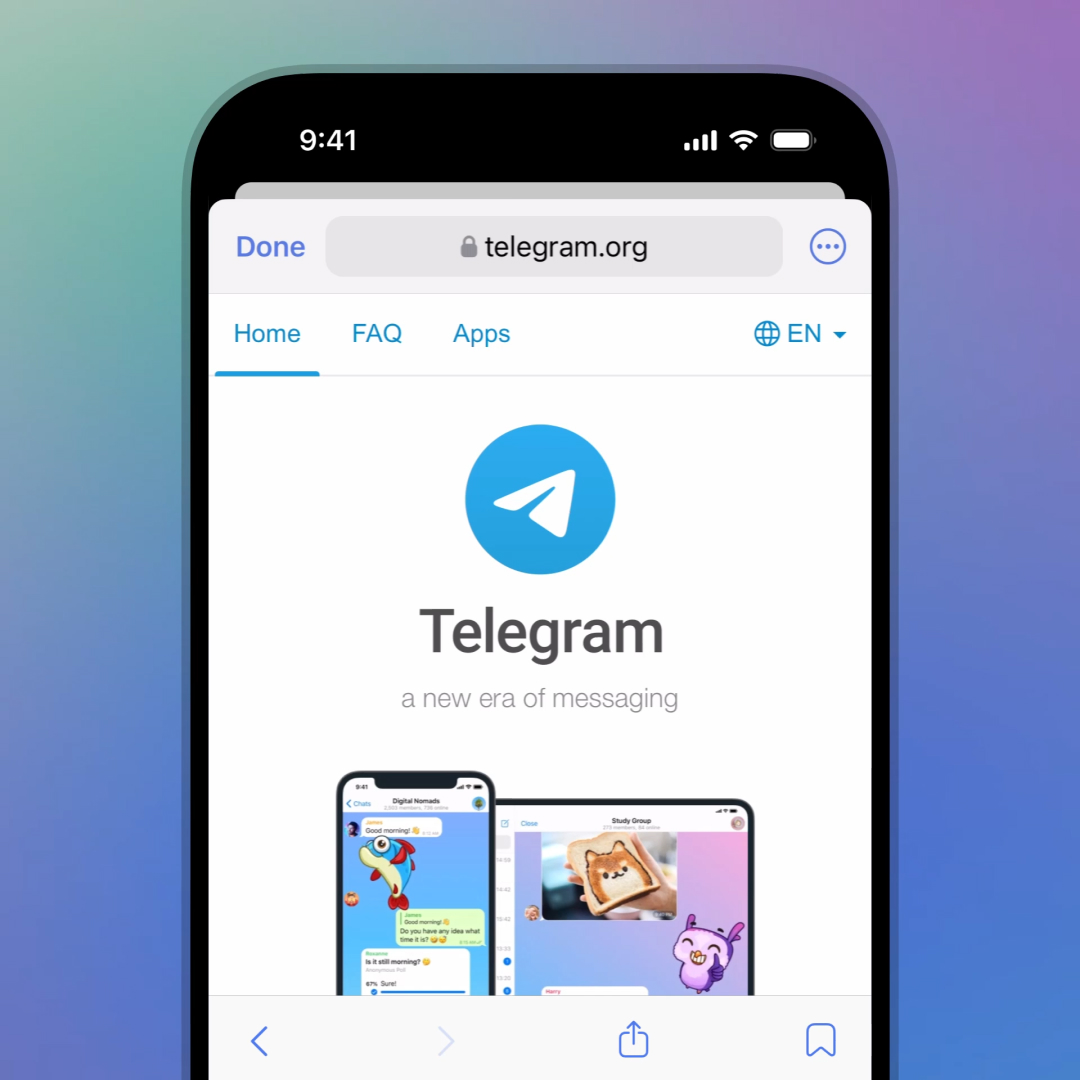
Build your frontend using standard web technologies. Ensure it is mobile-responsive and integrates the Telegram Web Apps SDK for native styling and user data access. Host it on a secure HTTPS server, as Telegram requires valid SSL certificates.
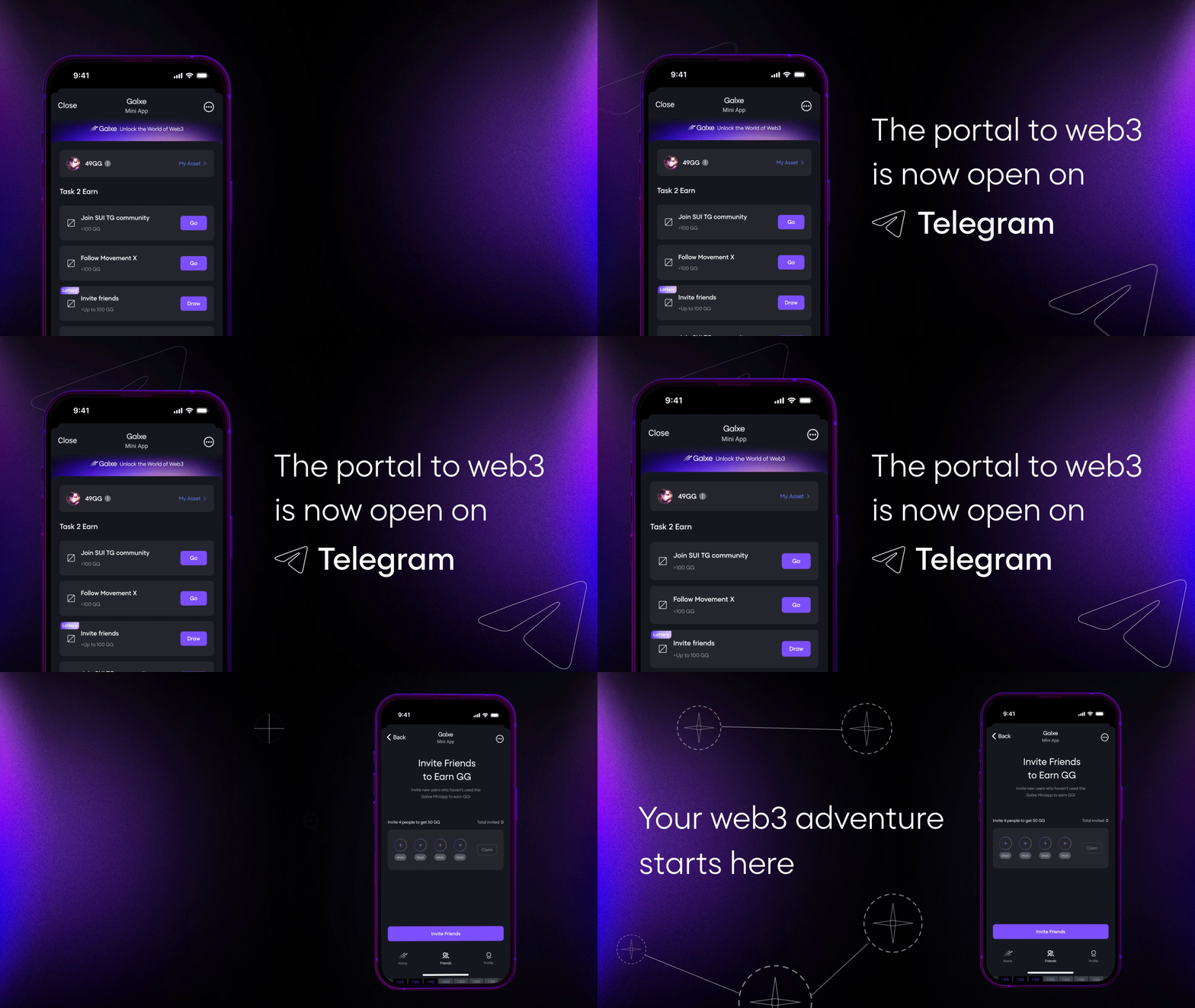
Open Telegram and search for @BotFather. Create a new bot or select an existing one. Use the /newapp command to link your web app URL to the bot. Choose the launch method, such as a keyboard button or an inline button, to determine how users will access the app.
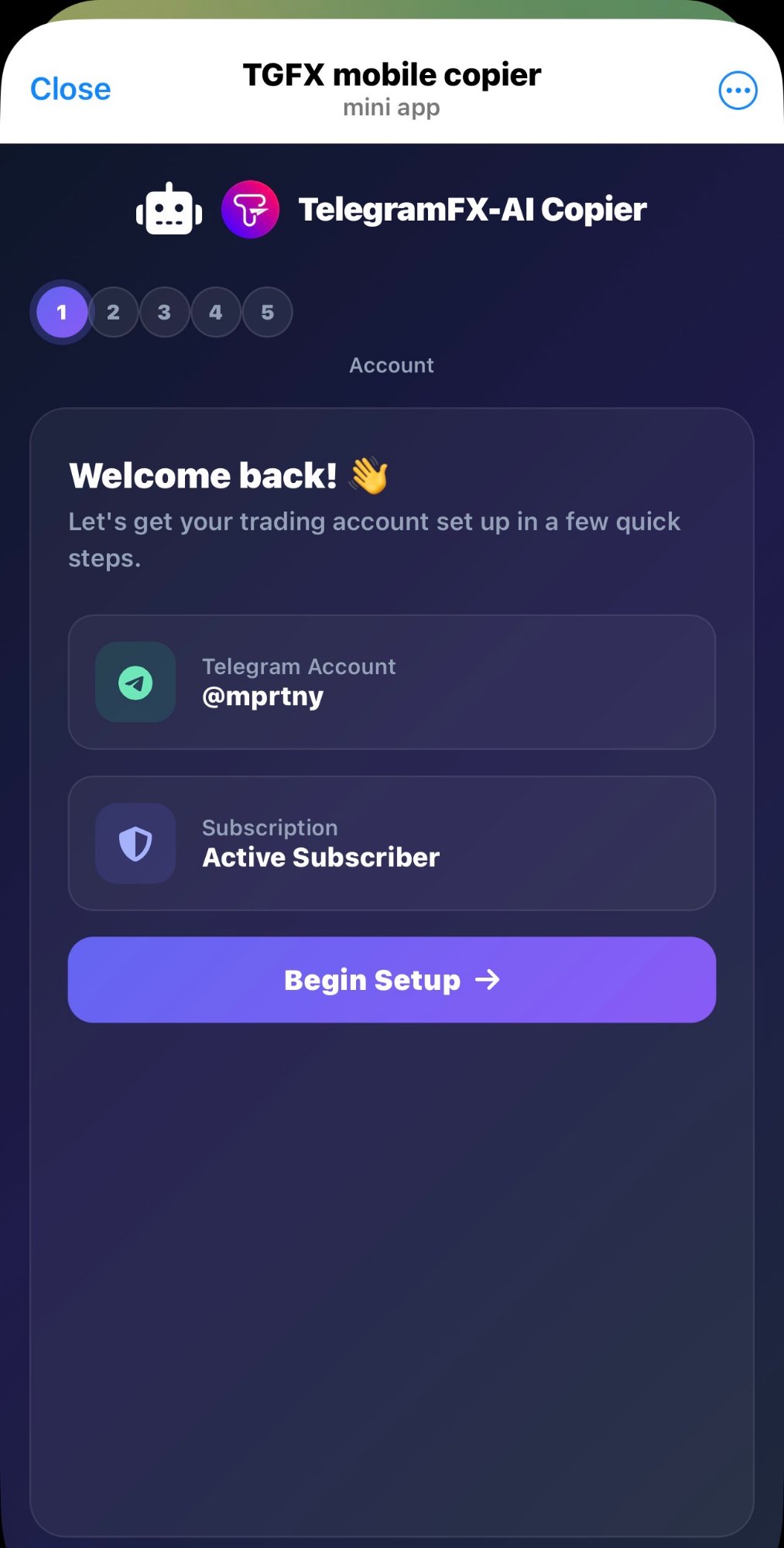
Test the app within Telegram using the BotFather’s test button. Verify that user data, themes, and navigation work correctly. Once tested, deploy the web app to your production server. Ensure your bot’s launch URL points to the production version.
| Launch Method | Description | Best For |
|---|---|---|
| Profile Button | Appears on the bot’s profile page. | Permanent access, utility bots |
| Keyboard Button | A dedicated button in the chat input bar. | Frequent use, quick actions |
| Inline Button | Appears next to messages sent by the bot. | Contextual actions, content delivery |
Mistakes to Avoid in Telegram Mini-App Development
Building a Telegram Mini App is straightforward, but shipping a broken experience is easy. Most developers stumble on the same three pitfalls: ignoring launch contexts, mishandling the viewport, and neglecting the native SDK. Fixing these errors early saves weeks of debugging later.
Ignoring Launch Contexts
Telegram Mini Apps launch in seven distinct ways, from profile buttons to inline query results. Each context carries different metadata. If your app assumes a specific entry point, it will crash or behave unpredictably when users arrive via a different path. Always check the startParam and initial state provided by the Telegram WebApp SDK before rendering content.
Mismanaging the Viewport
The most common visual error is a fixed-height layout. Telegram apps must adapt to the user’s screen size and dynamic UI elements like the bottom toolbar. Use the viewport data from the SDK to adjust your CSS. Without this, your app may appear cut off or leave excessive dead space, forcing users to scroll unnecessarily.
Skipping the Native SDK
Relying solely on standard web APIs ignores Telegram’s native features. The Telegram WebApp SDK provides access to theme parameters, back buttons, and haptic feedback. Using these ensures your app feels like a native part of the messenger, not a detached website. Neglecting the SDK results in a clunky experience that breaks platform conventions.
Telegram mini-apps 2026: what to check next
What are mini apps on Telegram?
Telegram mini apps are web applications that run directly inside the Telegram messenger interface. They launch from bot buttons, profile links, or inline keyboards without requiring a separate download or installation. Because they function as standard web pages, they can access Telegram’s native features like user profiles, push notifications, and in-app payments, creating a seamless experience within the chat environment.
What are some popular Telegram mini apps?
The ecosystem includes a mix of gaming, productivity, and Web3 utilities. Popular titles like Notcoin and Hamster Kombat gained millions of users through tap-to-earn mechanics. Beyond gaming, tools like Wallet for crypto transactions, Delta for portfolio tracking, and various AI chatbots are widely used. These apps leverage Telegram’s large user base to offer instant access to services without leaving the app.
Are mini apps on Telegram safe?
Safety depends on the specific app developer. Since mini apps are essentially websites, they inherit standard web security risks. Telegram provides a secure environment for launching them, but you should always verify the source. Stick to well-known projects, check the developer’s reputation, and be cautious with apps requesting excessive permissions. Avoid connecting your crypto wallet to unfamiliar mini apps to prevent potential fund loss.
What are some cool Telegram mini apps?
Beyond the mainstream games, the 2026 landscape features innovative utilities. AI-powered editors like BotFather integrations allow content creation within chats. Web3 tools like Tonkeeper enable decentralized finance operations directly in the chat. Creative apps offer interactive puzzles, collaborative whiteboards, and real-time translation services. These utilities demonstrate how mini apps are evolving from simple games to comprehensive productivity platforms.
No comments yet. Be the first to share your thoughts!