
Get Telegram Mini-Apps Right
Before writing code, you need to understand the infrastructure. Telegram Mini Apps are web applications launched inside the Telegram client. They share a consistent user experience with the app, including access to user data, push notifications, and the TON blockchain wallet.
You must choose a launch method early. Telegram supports seven ways to start a Mini App: from a profile button, a keyboard button, an inline button, a link, a bot command, a menu button,, or a share button. Your choice dictates how users discover and interact with your game.
For a Web3 game, the profile button or a direct link is usually best. These methods allow users to open the app without navigating complex bot menus. Ensure your domain is verified in the BotFather settings before testing.
Security is a common concern. Mini Apps run in an iframe, which isolates them from the main Telegram interface. However, you must still validate all user input and handle sensitive data securely. Telegram’s official documentation provides a comprehensive guide on security best practices for Mini Apps.
Build Your Telegram Mini-App Step by Step
Creating a Telegram Mini App involves wrapping your web game in a secure container that communicates with the Telegram client. This setup allows your TON-integrated game to access user data, handle payments, and display native UI elements like the main button. Follow this sequence to launch your first functional prototype.
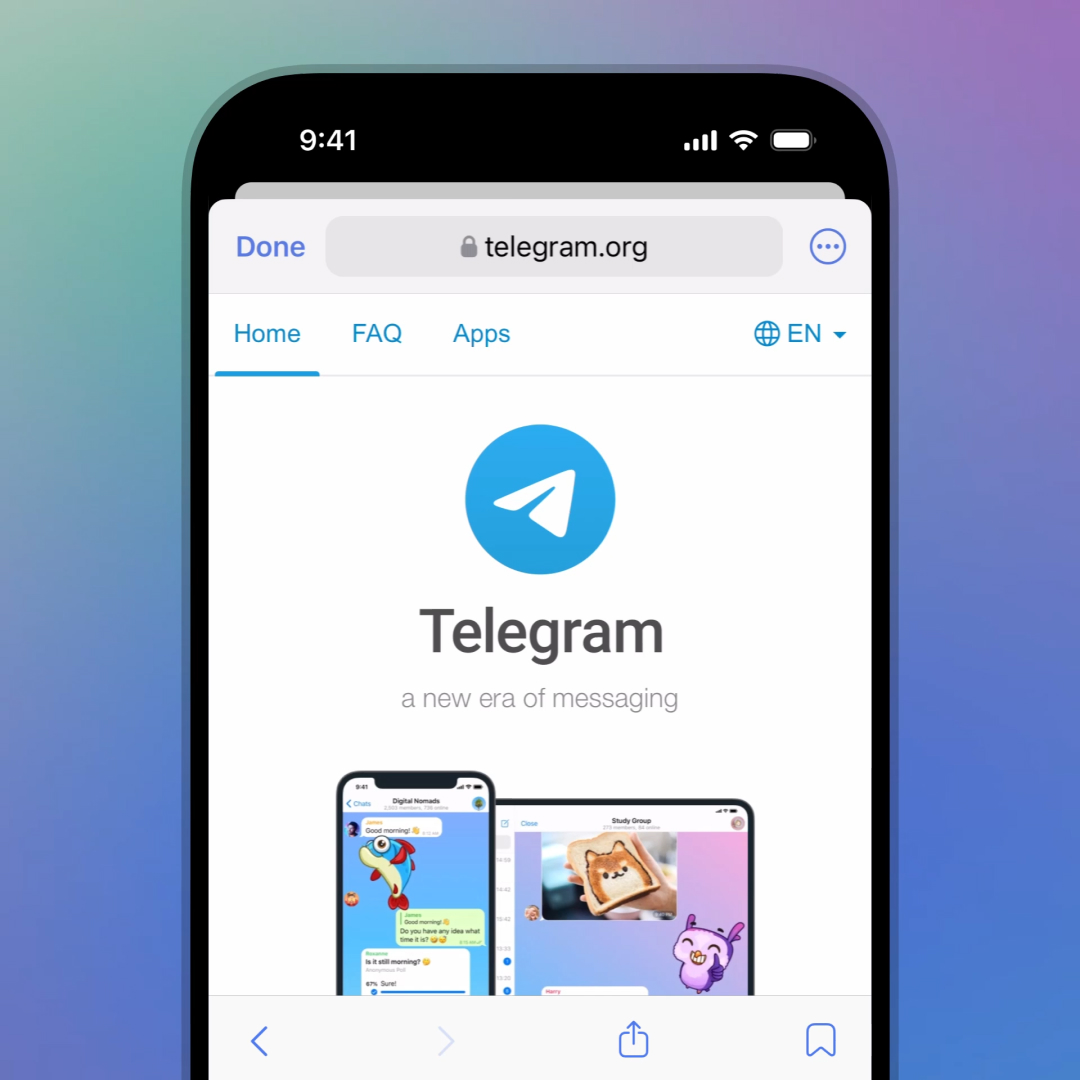
Start by creating a bot via @BotFather. Use the /newapp command to register your mini-app and receive a direct link. This link is the entry point users will click to launch your game. Ensure your web server is configured to serve the app over HTTPS, as Telegram enforces strict security protocols for all mini-apps.
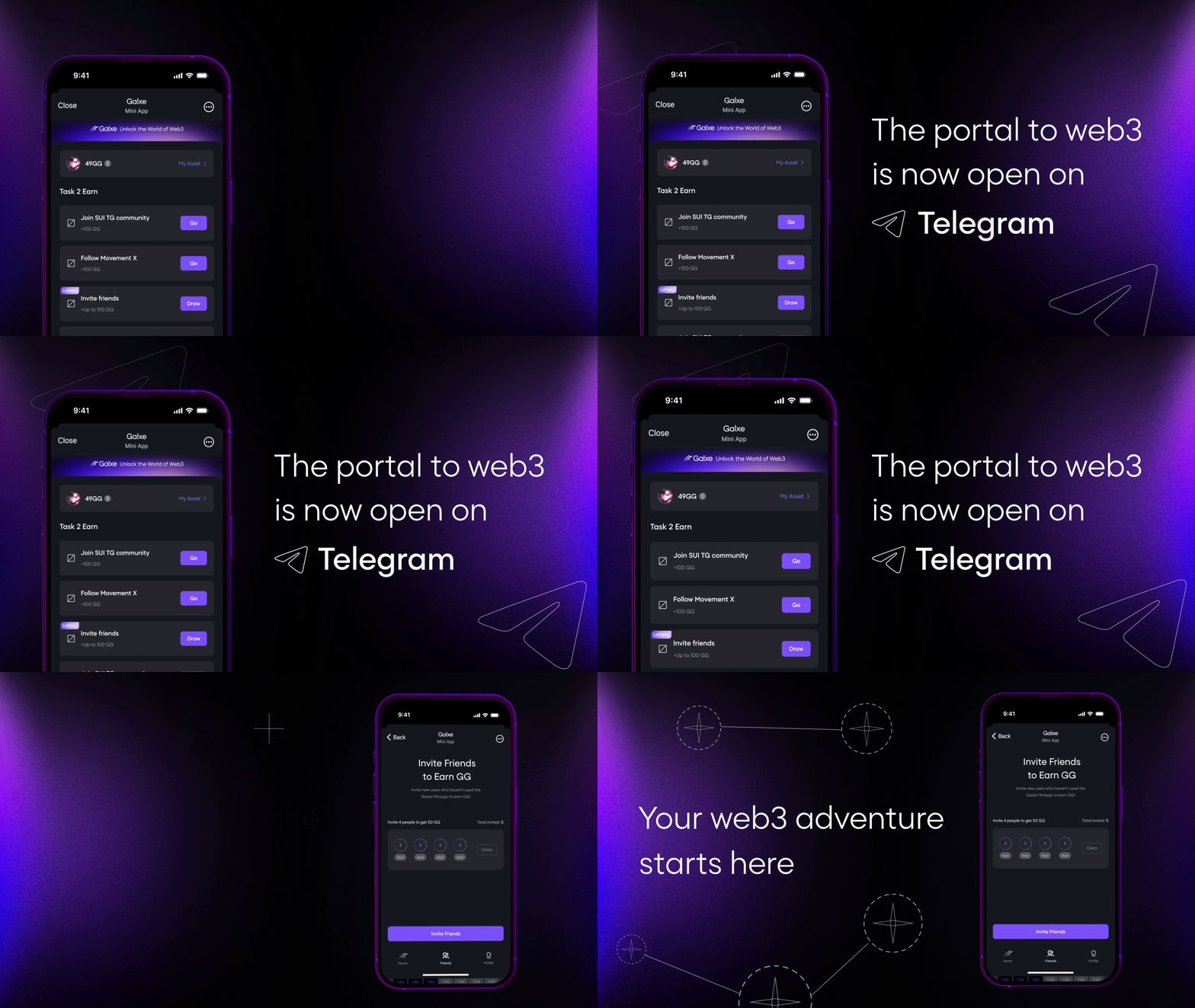
Include the official Telegram Web Apps SDK script in your HTML head. This script provides the window.Telegram.WebApp object, which lets your game read user info, adjust the theme, and trigger native actions. Initialize the app by calling WebApp.ready() and expanding the viewport so your game fills the screen properly.
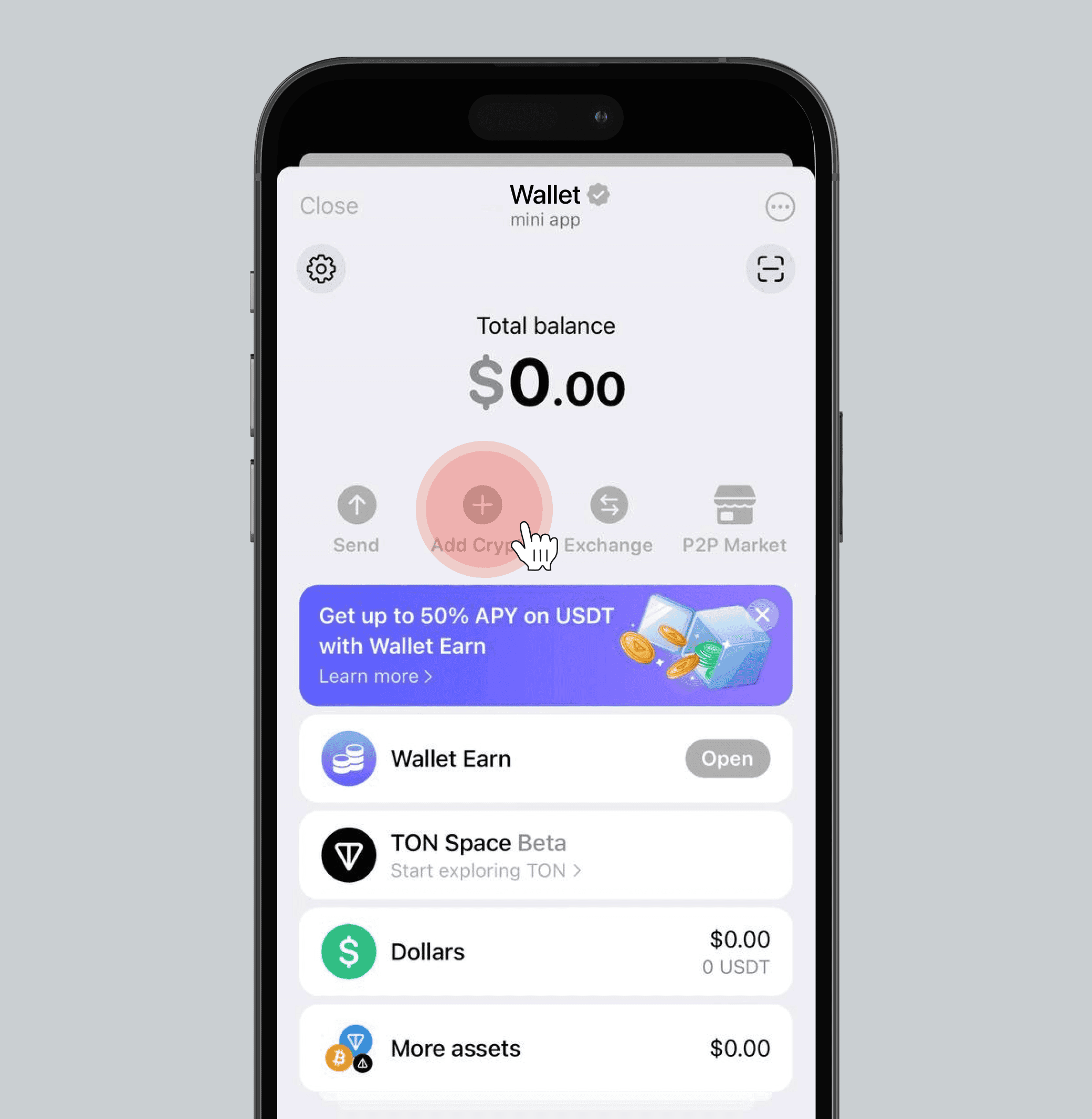
To handle TON transactions, integrate the TON Connect SDK. This allows users to link their Tonkeeper wallets directly within the mini-app. When a user purchases an in-game item, use the SDK to construct and send a transaction request. The Telegram client will handle the secure signing and confirmation process.
Use the Telegram Main Button to drive conversions. Style it prominently at the bottom of the screen and link it to your checkout logic. When the user clicks the button, send a request_info or send_data message to your backend. This triggers the transaction flow and ensures the user stays within the app experience.
Preview your mini-app on both iOS and Android devices. The rendering engine differs between platforms, so check for layout shifts or button overlap. Verify that the TON Connect wallet linking works smoothly and that the Main Button responds instantly to user taps. Fix any latency issues before public launch.
-
Bot registered via @BotFather
-
HTTPS server configured
-
Telegram SDK initialized
-
TON Connect wallet linked
-
Main Button triggers transactions
-
Cross-platform testing complete
Fix common mistakes
Building a Telegram Mini App for TON games is fast, but it is easy to build something that works locally and fails in production. The most frequent errors come from ignoring Telegram’s specific environment or mishandling the TON Connect wallet handshake.
Ignoring the Telegram WebApp SDK
Many developers treat the Mini App as a standard browser window. It is not. Telegram injects specific parameters into the URL and provides a JavaScript SDK that handles theme colors, back buttons, and viewport resizing. If you skip initializing window.Telegram.WebApp, your app will look broken.
You must call WebApp.expand() immediately to use the full screen. You also need to listen for themeChangeEvent to switch between light and dark modes automatically. Without this, users in dark mode will see a jarring white page, increasing bounce rates.
Mismatched TON Connect Versions
TON Connect 2.0 is the standard for wallet connections, but it requires strict version alignment. If your frontend library version does not match the wallet’s expected protocol, the connection modal will fail silently or throw a network error.
Always pin your dependencies. Do not rely on latest tags. Use a specific version of @tonconnect/ui-react or the vanilla JS SDK that matches the wallet app’s current release. Test the connection flow on both TON Keeper and the official Telegram wallet before launch.
Hardcoded Network Environments
Developers often build on the mainnet TON to save gas fees during testing. This is a critical mistake. If you deploy a mainnet contract or test on mainnet without proper safeguards, you risk losing real funds or corrupting state.
Always use the TON Testnet for development. Use the Testnet faucet to get test TON. Verify your app’s behavior on testnet, then switch to mainnet only for final verification. This simple step prevents costly errors and ensures your game logic holds up under real network conditions.
Telegram mini-apps 2026: what to check next
Before you commit resources to building a Web3 game on the TON blockchain, it helps to clear up common confusion about the platform itself. Telegram has evolved into a massive distribution channel, but it comes with specific technical and safety considerations that differ from standalone mobile apps.
Does Telegram have mini apps?
Yes. Telegram Mini Apps are web applications that run directly inside the Telegram client. They launch from within chats, bots, or the main menu, giving them access to the Telegram user interface and user data. This integration allows for a seamless experience where users can interact with your game or service without leaving the app or installing a separate file.
Are mini apps on Telegram safe?
Mini apps are essentially websites. Their safety depends largely on the code you write and the security practices you employ. Since they run in a web context, they are subject to standard web vulnerabilities. However, Telegram provides a secure SDK that handles authentication and data exchange, reducing the risk of common cross-site scripting issues if you follow official integration guidelines.
Is Telegram safe to use in 2026?
Telegram remains a popular platform, but it is not inherently secure for sensitive financial data. While it offers encryption for secret chats, most standard messages are stored on their servers. For a Web3 game, you should treat Telegram as a distribution and identity layer, not a vault. Always handle private keys and sensitive transactions through the TON blockchain’s secure infrastructure rather than storing them within the mini app’s local storage.
How to find channels on Telegram 2026?
Finding communities is straightforward. You can use the global search bar to look for keywords related to your game’s niche, such as "TON gaming" or "crypto news." Telegram also curates directories like the Telegram Apps Center, which lists popular mini apps and channels. Engaging with these communities can provide valuable feedback and early testers for your project.
No comments yet. Be the first to share your thoughts!