
Telegram Mini-App Budget Fit for 2026
The 2026 Telegram mini-app ecosystem has matured from a novelty into a functional layer of the digital economy, but the hardware you need to run it effectively depends entirely on your usage pattern. Because these apps are essentially web pages rendered inside Telegram, they are surprisingly lightweight compared to native iOS or Android games. You do not need a flagship device to participate, but the gap between "barely functional" and "smooth" is determined by three specific tradeoffs: age, condition, and processor tier.
The Entry-Level Threshold: Ages 3–5
For casual users who mainly interact with utility bots or lightweight games like Hamster Kombat or Blum, a 3-to-5-year-old mid-range smartphone is the most cost-effective entry point. Devices in this age bracket still possess sufficient RAM (4GB+) to keep the Telegram app and the mini-app web view in memory without constant reloading.
When shopping on Amazon, focus on older generation mid-rangers from brands like Samsung (A-series), Google (Pixel 'a' line), or Motorola. These devices often drop in price significantly as newer models release. The tradeoff here is screen quality; you may encounter slightly dimmer displays or slower refresh rates, but for text-heavy utility apps or grid-based clickers, this is rarely a noticeable hindrance.
The Performance Sweet Spot: Ages 1–2
If you plan to engage with graphically intensive TON-powered games or complex DeFi dashboards that update in real-time, a 1-to-2-year-old flagship or upper-mid-range device is the prudent choice. These phones feature modern chipsets (like the Snapdragon 8 Gen 2 or Apple A16 Bionic) that handle the JavaScript execution of mini-apps without draining the battery.
In this category, you are paying for longevity and thermal management. Mini-apps can cause devices to heat up during extended sessions; newer processors dissipate this heat more efficiently. Look for refurbished or open-box units of recent flagships. The price premium over older mid-rangers is justified if you intend to spend more than 30 minutes a day interacting with these apps.
The Condition Caveat
Regardless of age, battery health is the silent killer of the mini-app experience. Because mini-apps keep the screen on and the processor active for extended periods, a degraded battery will throttle performance to prevent shutdowns. When buying used or refurbished, prioritize sellers who provide battery health reports or offer a warranty of at least 90 days. A device with a 90% battery health rating will outperform a newer device with a 75% rating in sustained mini-app usage.
Recommended Hardware for 2026
The following devices represent the best balance of cost and performance for the Telegram mini-app economy. These are not speculative categories but concrete models that consistently appear in top-tier refurbished marketplaces and Amazon’s renewed program.


As an Amazon Associate, we may earn from qualifying purchases.
Final Verdict
For most 2026 users, the "good enough" device is a 3-to-5-year-old mid-ranger. You save significant money upfront, and the performance gap for standard mini-apps is negligible. Only upgrade to a 1-to-2-year-old flagship if you are a power user running graphically demanding TON games or if you plan to keep the device for another 3+ years. Always verify battery health before purchasing, as it is the single most critical factor in sustained mini-app performance.
Compare top Telegram mini-apps for TON users
Telegram Mini Apps are web apps that run inside the messenger, giving TON-based projects instant access to over a billion users without the friction of app store downloads [src-serp-2]. In 2026, the ecosystem has shifted from early experiments to mature, high-utility platforms. Whether you are looking for DeFi tools, gaming, or NFT marketplaces, choosing the right app depends on your specific needs for speed, security, and user interface.
Below is a comparison of the most prominent TON-powered Mini Apps currently driving growth. These selections represent the strongest options based on active user engagement and technical integration with the TON blockchain.
| App | Category | Key Feature | User Experience |
|---|---|---|---|
| Tonkeeper | Wallet/DeFi | Non-custodial wallet with DApp browser | Full-featured, slightly complex for beginners |
| Hamster Kombat | Clicker Game | Tap-to-earn with token airdrops | Simple, mobile-first, highly engaging |
| Blum | Hybrid Exchange | Combined CEX/DEX trading experience | Clean, professional, fast transactions |
| Open Loot | NFT Marketplace | Buy/sell TON NFTs directly in chat | Streamlined, low-friction browsing |
Tonkeeper: The DeFi Standard
Tonkeeper is more than just a wallet; it is the primary gateway to the TON ecosystem. Its Mini App version allows users to swap tokens, provide liquidity, and interact with decentralized applications directly within Telegram. It is ideal for users who want to manage their crypto assets and engage in DeFi without leaving the chat interface. The experience is powerful but requires a basic understanding of blockchain concepts.
Hamster Kombat: Viral Gaming
Hamster Kombat popularized the "tap-to-earn" model on Telegram. It is a casual game where users tap to earn in-game currency, which is then converted into TON-based tokens. The Mini App is designed for mass appeal, with simple mechanics and social features that drive viral growth. It is perfect for users looking for low-stakes entertainment with the potential for financial rewards.
Blum: Seamless Trading
Blum offers a hybrid exchange experience, combining the ease of a centralized exchange with the security of decentralized technology. Its Mini App allows users to trade tokens with minimal friction, leveraging Telegram's user base for rapid onboarding. The interface is clean and professional, making it a strong choice for traders who want quick access to TON-based assets.
Open Loot: NFT Access
Open Loot simplifies the discovery and purchase of NFTs on the TON blockchain. By integrating directly into Telegram, it removes the technical barriers often associated with NFT marketplaces. Users can browse collections, view asset details, and complete purchases using their Telegram wallet. It is the go-to option for collectors and artists looking for a streamlined NFT experience.
Inspect the expensive parts
Before you commit to a Telegram Mini App or TON-powered game, check the infrastructure that causes the most expensive failures. These apps live inside Telegram’s browser engine, so standard web practices don’t always apply. A small mistake in the initial load sequence can kill your retention before the user even sees the content.
Use this checklist to audit the critical paths.
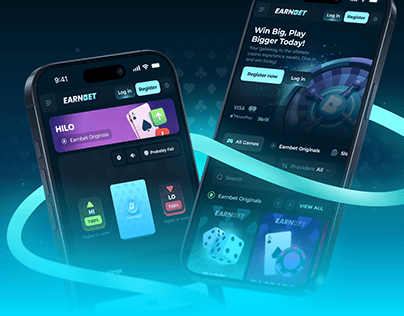
Telegram Mini Apps load inside an in-app browser, which often runs on older devices with slower connections. If your HTML bundle exceeds 1MB or requires multiple heavy script fetches, users will bounce within seconds. Test your app on a simulated 3G connection using Chrome DevTools. Aim for a first contentful paint under 1.5 seconds. If it takes longer, defer non-essential JavaScript and compress your assets aggressively.
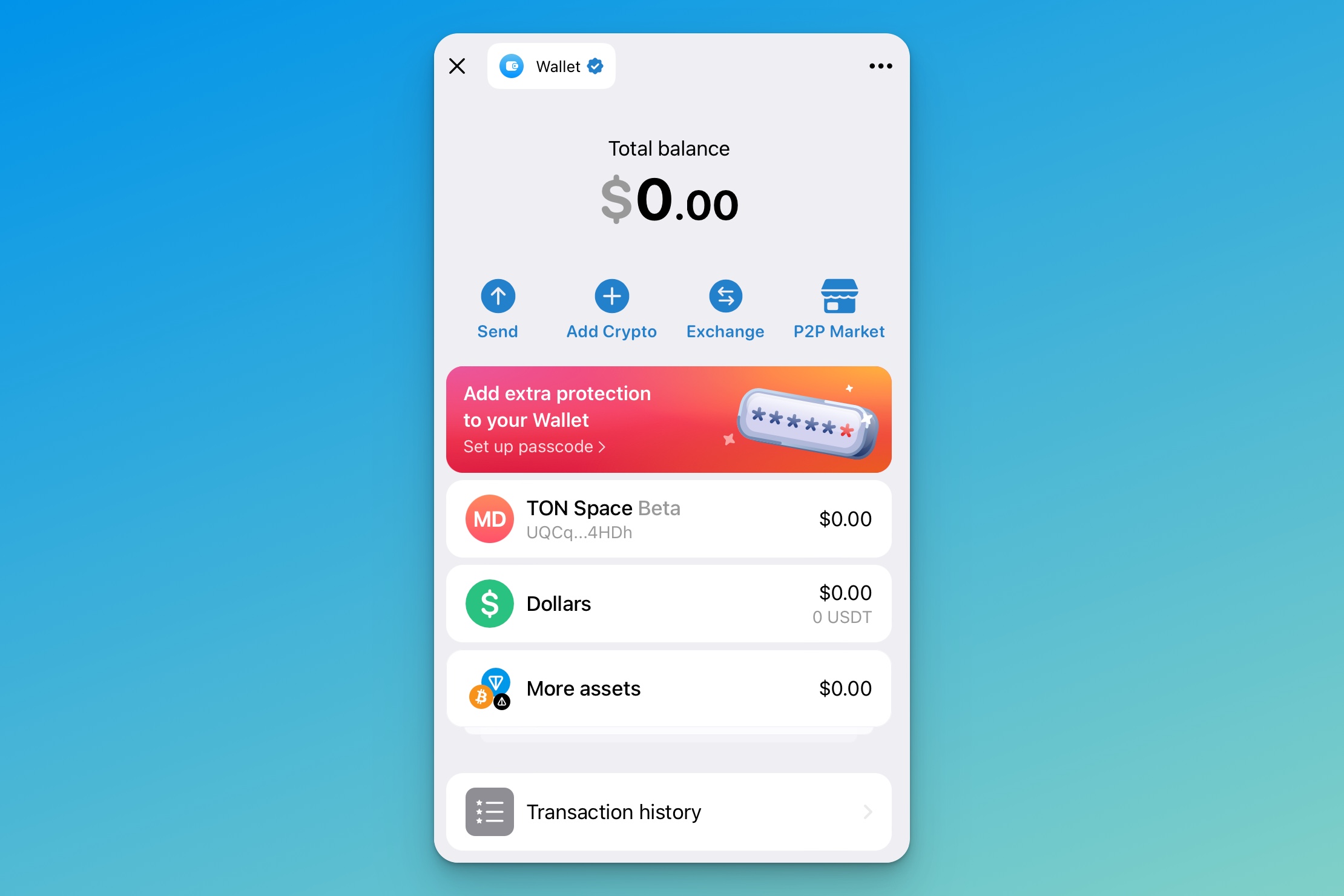
The most common point of failure in TON apps is the wallet handshake. If the tonconnect bridge fails to initialize, your entire economy breaks. Simulate a dropped connection during the signing phase. Ensure your app shows a clear error state and allows the user to retry without reloading the entire page. Never assume the wallet is always available; handle cases where the user declines the connection or their device is offline.
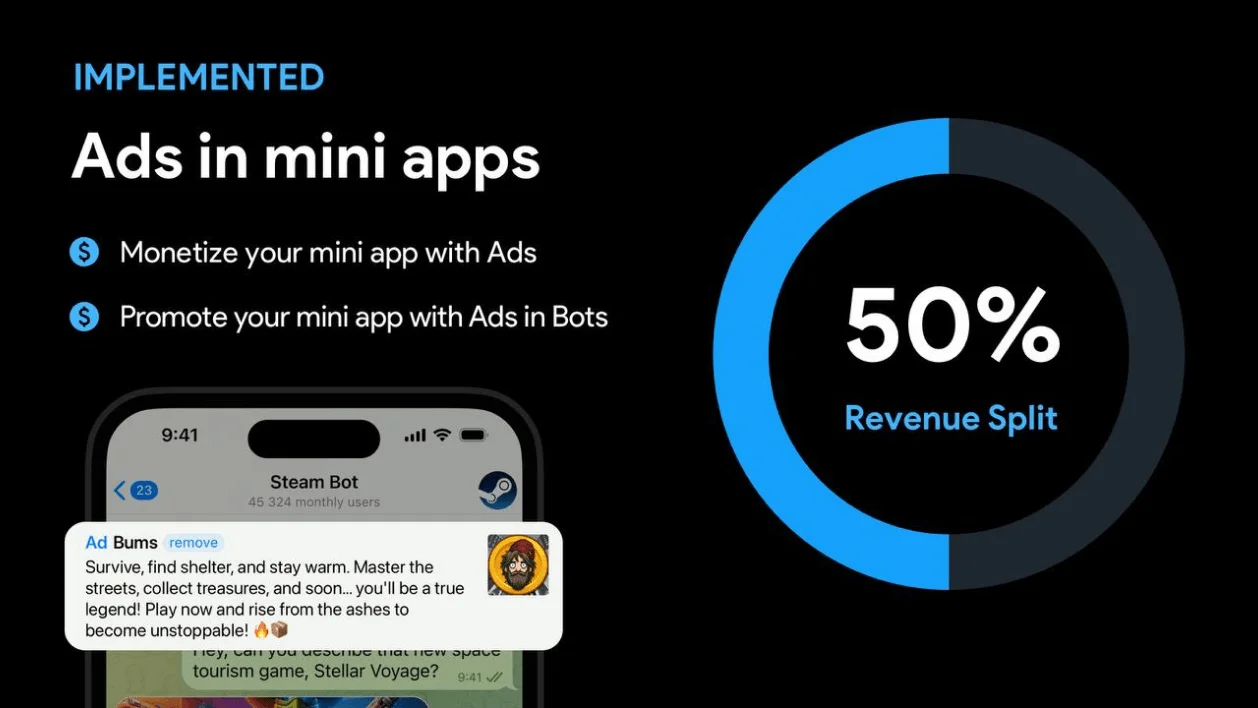
Telegram provides a specific JavaScript API for expanding the view, handling back buttons, and managing theme colors. If you ignore these, your app will look like a generic website with awkward scrollbars and mismatched colors. Check that you are calling Telegram.WebApp.expand() on load and that your UI adapts to the user’s dark or light mode settings. This consistency is what makes Mini Apps feel native rather than like a web popup.
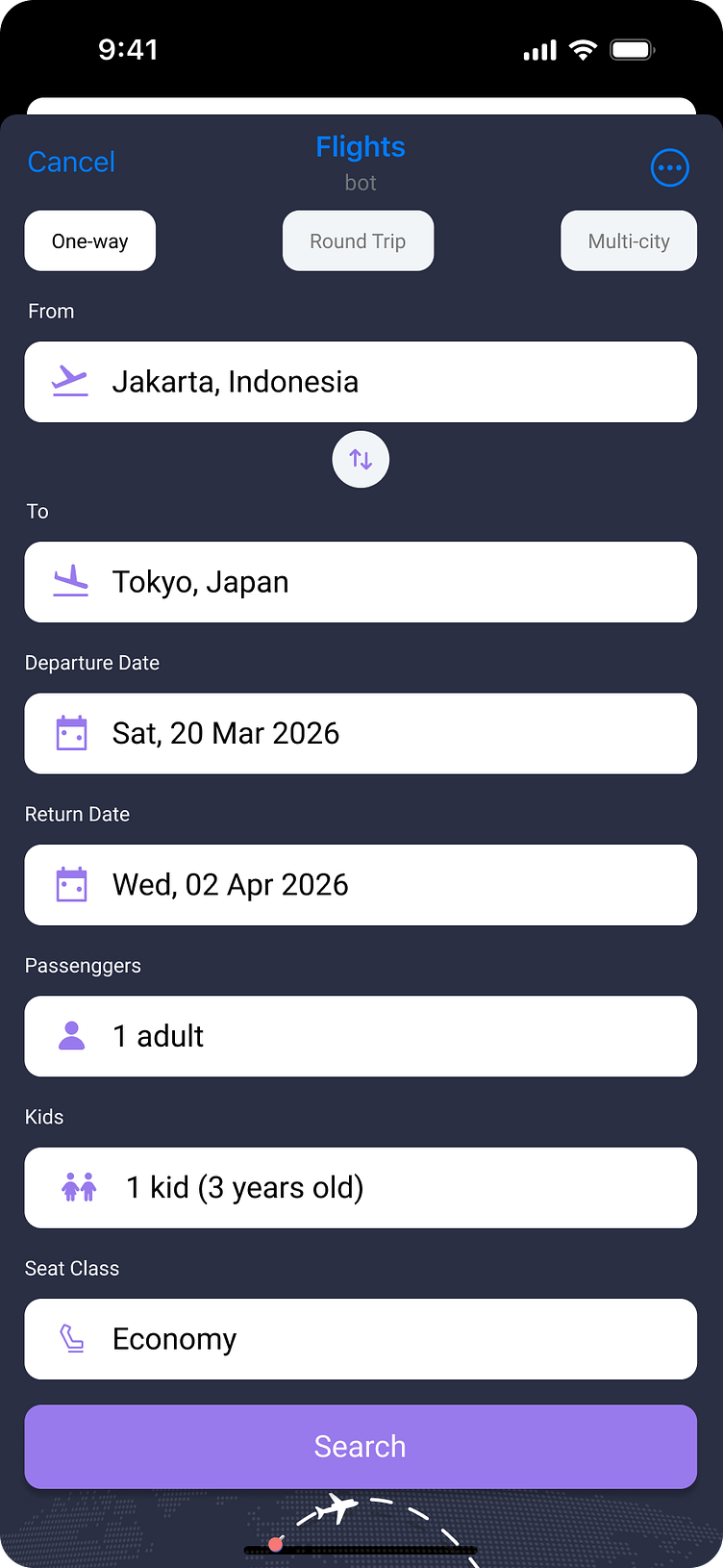
Telegram runs on iOS, Android, and desktop. A layout that looks perfect on an iPhone 15 might break completely on a desktop browser window. Test your responsive breakpoints on both mobile and desktop views. Pay special attention to touch targets; buttons that are too small for a finger tap will frustrate mobile users, while desktop users might miss interactive elements if they are not clearly highlighted.
Mini Apps can be closed and reopened at any time by the user. If you store critical game state or transaction data only in local memory, you will lose progress when the app is closed. Use Telegram’s storage API or your backend database to save state frequently. Test the flow of closing the app, switching to another chat, and reopening the Mini App to ensure your data is restored correctly.
Plan for ownership costs
A low upfront price for a TON-powered mini-app or related hardware can be misleading. The real cost comes from ongoing maintenance, subscription fees, and the technical overhead required to keep the app functional. When you buy into an ecosystem, you are often buying into a service that requires active management.
Many utility apps rely on server-side logic or external APIs to function. If the developer stops updating the backend, or if API costs rise, your experience may degrade. You might find yourself paying for a premium tier to access basic features that were once free, or dealing with broken integrations that require manual workarounds.
Hardware accessories, such as TON-compatible wallets or hardware keys, also carry hidden costs. Batteries die, firmware updates break compatibility, and replacement parts are often scarce. Before committing to a specific app or device, calculate the total cost of ownership over two years, not just the initial purchase price.


As an Amazon Associate, we may earn from qualifying purchases.
The cheapest option is rarely the best long-term value. Prioritize apps and hardware with clear, sustainable business models and active development teams. A slightly higher initial investment often pays off in reliability, security, and fewer surprises down the road.
Telegram mini-apps 2026: what to check next
Do Telegram mini-apps work on all devices?
Yes. Mini-apps are built on standard web technologies, which means they run on both iOS and Android without requiring separate codebases. Because they load inside the Telegram interface, users can switch between their phone and desktop seamlessly. The experience is consistent across platforms, though complex games may perform better on devices with higher processing power.
Are these apps safe to use?
Telegram enforces strict sandboxing for mini-apps, isolating them from your device’s core system. This prevents apps from accessing personal data like your contacts or storage unless you explicitly grant permission. However, you should still verify the developer’s reputation before connecting crypto wallets or sharing sensitive information. Look for apps with verified badges or a history of positive user feedback.
Do mini-apps cost money to use?
Most utility and gaming mini-apps are free to download and launch. However, many operate on a freemium model, offering in-app purchases for premium features, virtual goods, or faster progression. If an app involves TON cryptocurrency, you will need a small amount of TON in your wallet to cover transaction fees or purchase items. Always check the app’s store listing for any subscription requirements before diving in.
Can I develop my own mini-app?
Developers can build mini-apps using JavaScript, HTML, and CSS, leveraging the Telegram Web Apps SDK for integration. The development cycle is typically faster than native apps because you don’t need to navigate app store review processes. You can test your app immediately using the BotFather tool and deploy it to Telegram’s infrastructure, reaching a global audience from day one.
No comments yet. Be the first to share your thoughts!