
Set up the bot and mini app environment
Connect a backend bot to a frontend web interface to launch a monetized Telegram Mini App. Telegram treats the bot as the entry point and the web app as the interactive layer, ensuring users can open your app directly from the chat without leaving the ecosystem.
Open Telegram and search for @BotFather. Send the /newbot command, name your bot, and generate an authentication token. Save this token securely; it connects your backend server to Telegram’s API.
Deploy your web app (HTML, CSS, JS) to a server with HTTPS. Telegram requires a secure origin for Mini Apps. Ensure the URL is globally accessible, as this will be the entry point for users launching the app from the chat interface.
Return to BotFather and use /newapp or configure the menu button. Enter your hosted web app’s HTTPS URL. This binds the bot to the frontend, allowing Telegram to open your Mini App when users interact with the designated button. Verify the link by sending a message to your bot and clicking the menu button.
Once linked, implement the Telegram Web App SDK to handle user data and native UI elements. This ensures your app feels native to Telegram, improving retention and engagement for monetization.
Integrate TON Connect for wallet access
TON Connect bridges your Mini App to the TON blockchain, allowing users to authenticate and transact without leaving Telegram. This replaces manual copy-pasting of wallet addresses with a secure, one-tap connection flow.
Add the official @tonconnect/ui-react or @tonconnect/sdk package to your project. For React-based Mini Apps, the UI kit provides pre-built components for connection buttons, reducing boilerplate. Initialize the connector with your app’s manifest URL, hosted on HTTPS, including your app’s name, icon, and deep link.
Your manifest.json serves as the app’s identity on the blockchain. It must declare your app’s origin and provide a public key for encryption. Host this file on a reliable CDN. TON Connect uses it to verify the request originates from your legitimate app, preventing phishing attacks.
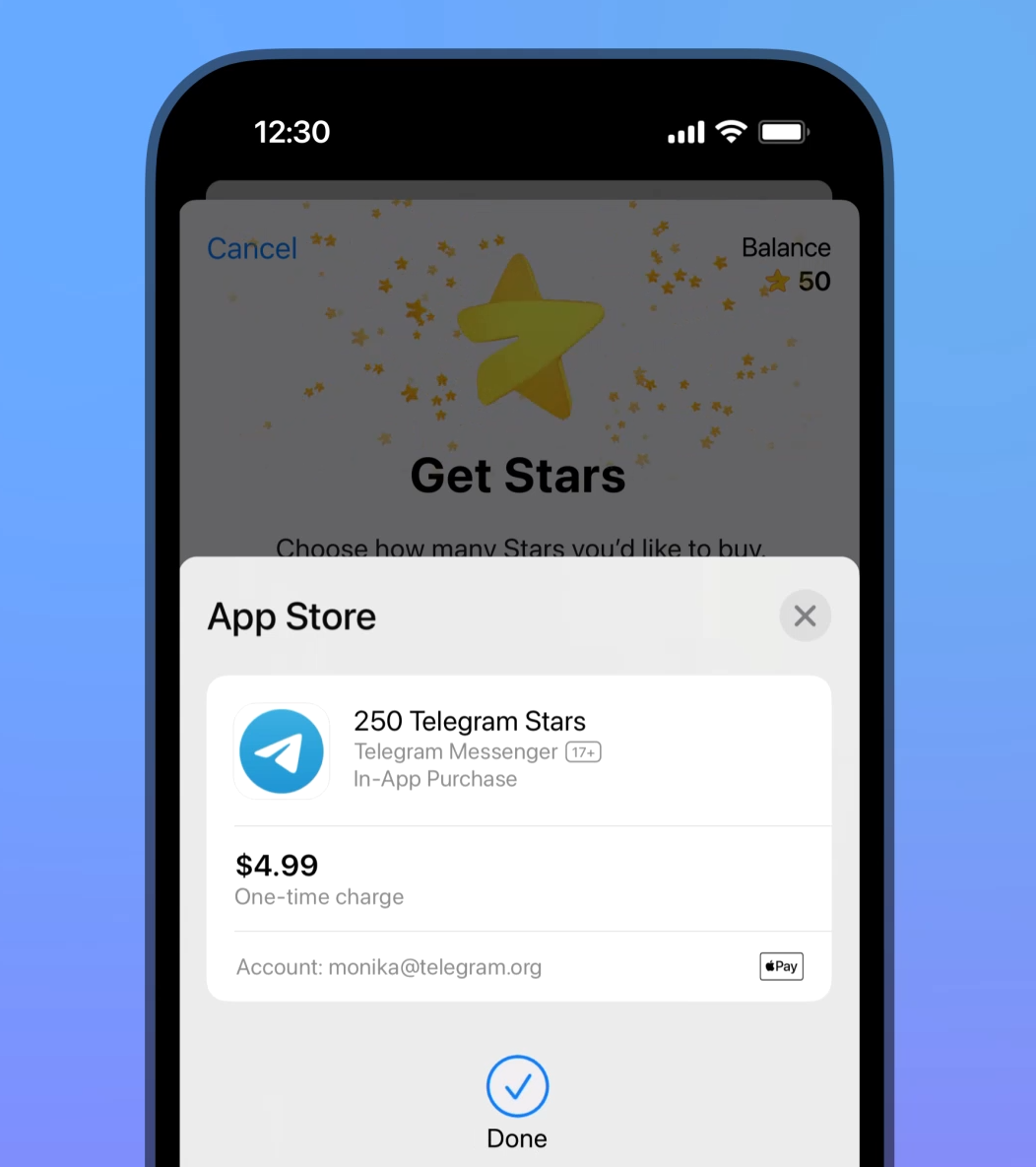
Trigger the connection modal when a user attempts blockchain interactions. Use the TonConnectUI instance to call connect() or connectModal.default(). This opens the user’s preferred TON wallet (e.g., Tonkeeper) to approve the connection, displaying your app’s name and icon from the manifest.
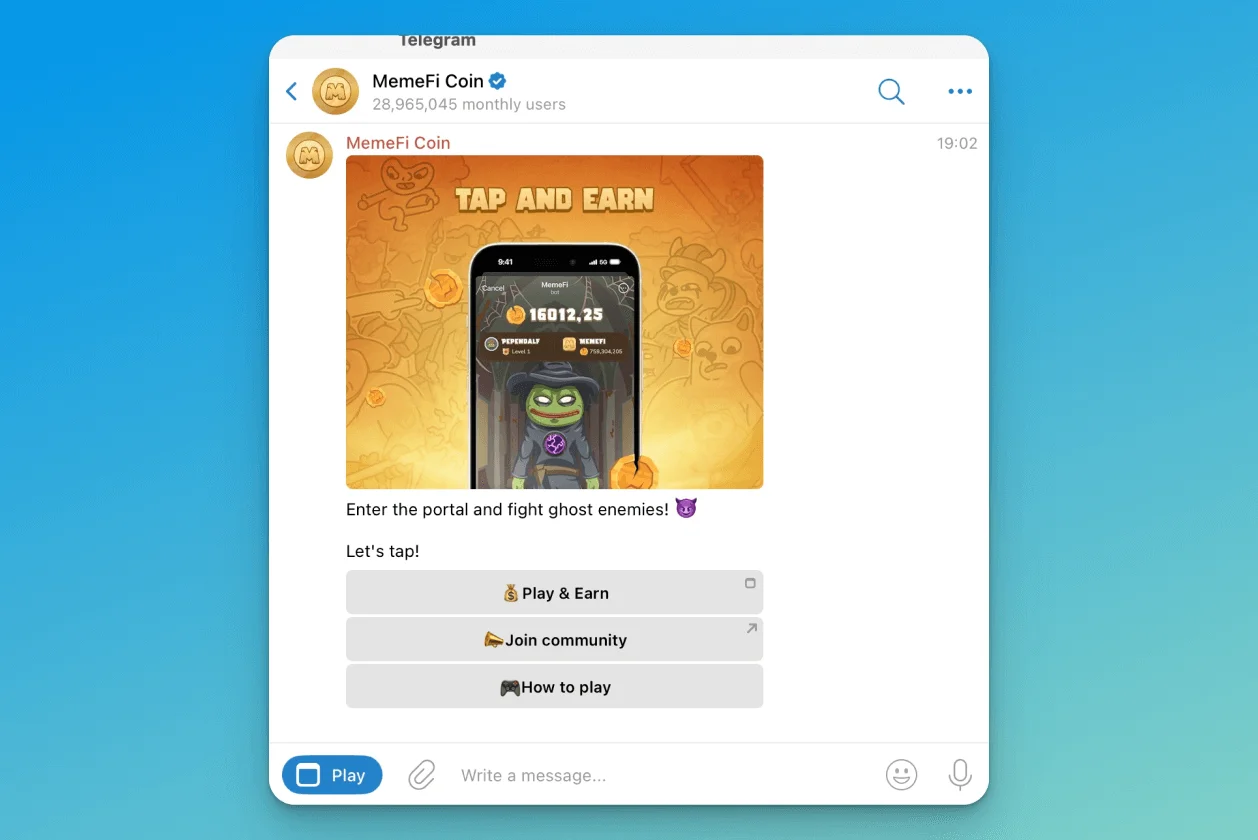
Once connected, the SDK provides a walletInfo object with the user’s device info and wallet address. Store this state locally to persist connections across page reloads. Listen to statusChange events to detect disconnections, allowing you to disable transaction buttons or prompt re-authentication.
To perform actions like paying for subscriptions, construct a transaction object with the destination address, amount, and payload. Pass this to tonConnect.sendTransaction(). The user’s wallet presents a confirmation screen; if approved, the wallet signs and broadcasts the transaction.
Choose a monetization model for your app
Your revenue strategy determines user interaction and engineering effort. In 2026, the ecosystem supports four primary models:
| Model | Implementation Complexity | Revenue Potential | Best For |
|---|---|---|---|
| In-App Purchases | Medium | High | Gaming and utility apps |
| Subscription | High | Very High | Premium content tools |
| Token-Gating (Web3) | High | Variable | NFT communities |
| Advertising | Low | Low-Medium | High-traffic casual apps |
In-App Purchases
Users buy virtual goods, features, or currency directly within the app. Telegram supports native payment systems, making this straightforward for gaming apps (power-ups) or utility apps (premium features). Offer small, low-friction purchases that feel like a natural extension of the user experience.
Subscription
Subscriptions provide recurring revenue, ideal for stable business models. Implementation is complex due to recurring billing, cancellations, and retention requirements. This suits apps offering ongoing value, such as exclusive content or professional tools. Users expect consistent updates to justify the cost.
Token-Gating (Web3)
Web3-native models use cryptocurrency or NFTs to control access. Users must hold specific tokens to view content or use features. This builds loyal communities but requires significant technical expertise to integrate wallets and smart contracts. Revenue is variable and tied to the broader crypto market.
Advertising
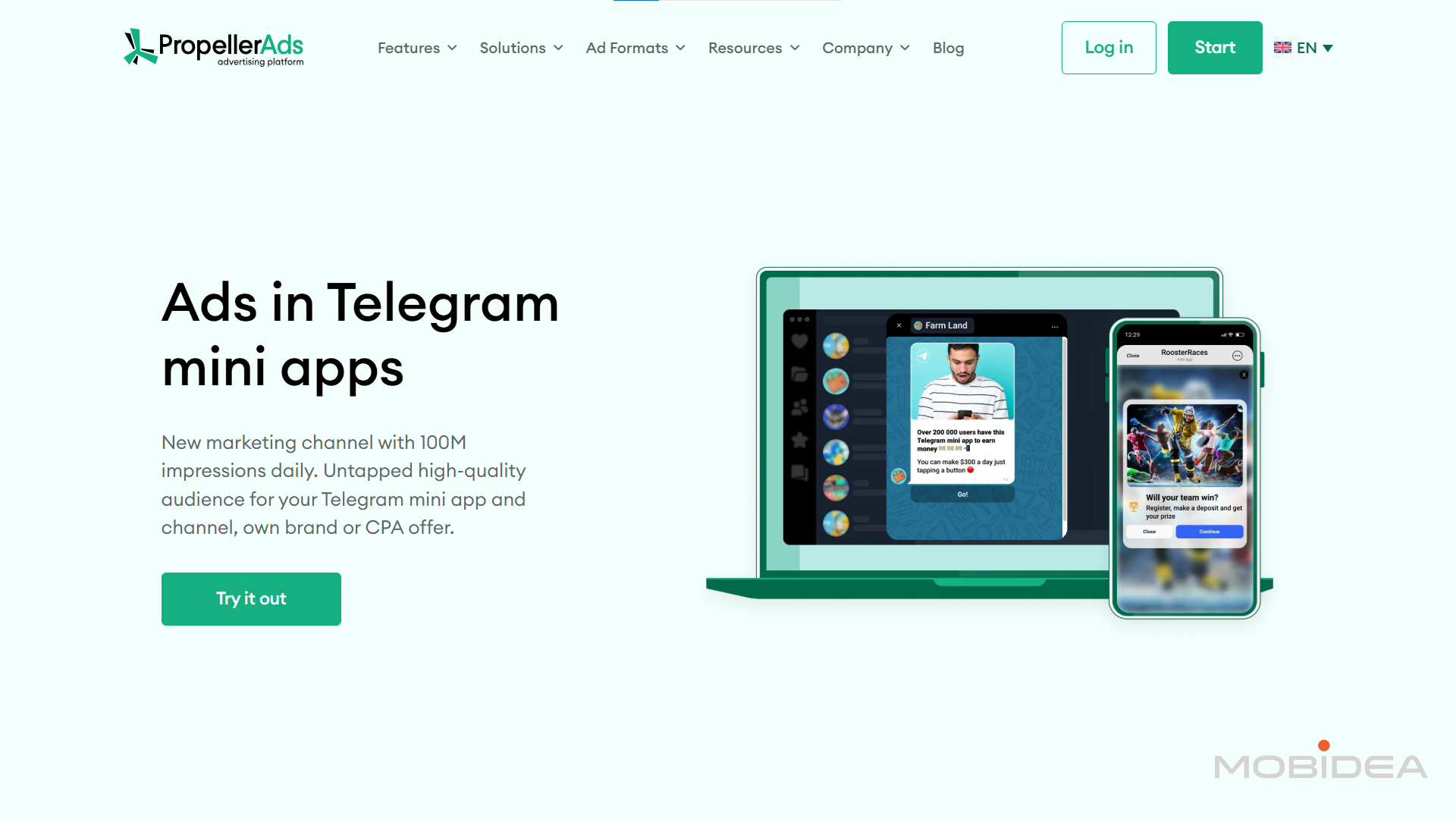
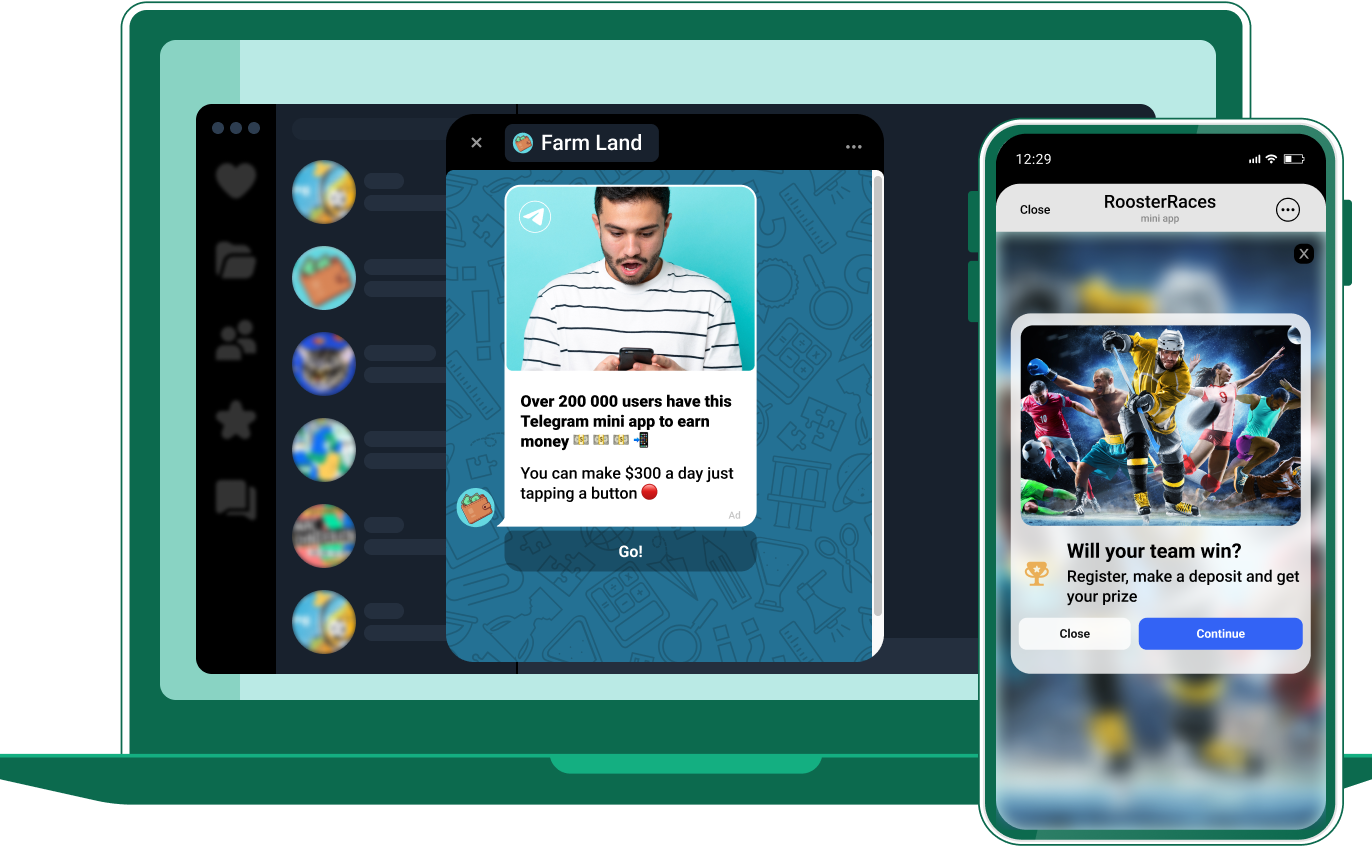
Advertising is the easiest model to implement, often requiring integration with an ad network like PropellerAds. It yields lower revenue per user and can degrade the experience if not managed carefully. Best for apps with high daily active users, use ads sparingly to avoid driving users away.
Implement the payment transaction flow
Bridge the gap between user intent and blockchain settlement. The flow begins when a user triggers a purchase in your frontend and ends when your backend confirms the on-chain transaction. This relies on the Telegram Payments API for fiat on-ramps and direct Web3 wallet connections for crypto settlements.
When the user clicks "Buy," your frontend calls the Telegram Bot API method sendInvoice or triggers a Web3 wallet request via TON Connect. For fiat, this creates an official invoice link. For crypto, it prompts the user's wallet to sign a transaction. Include a unique payload identifier to match incoming payments to user orders.
Telegram sends a pre_checkout_query webhook after the user enters payment details. Your server must validate the request—checking currency, amount, and your secret token—and respond with answerPreCheckoutQuery(true) to allow the charge, or false to cancel it. This prevents fraudulent transactions before funds move.
Once payment succeeds, Telegram sends a successful_payment webhook. For crypto, verify the actual blockchain confirmation using a TON blockchain explorer or node API to check the transaction hash. Do not grant access until the transaction has at least one block confirmation to prevent replay attacks.
After verification, update your database to mark the order as "Paid." Trigger backend processes such as minting an NFT, adding credits, or unlocking premium features. Send a confirmation message back to the user via the Telegram Bot API to close the loop.
Test the app on staging before launch
Verify every user journey in an isolated environment before production. Testing prevents friction points like broken wallet connections or failed payment callbacks that derail retention.
Deploy your frontend to a staging server and configure your bot to serve the app from that URL. Use the Telegram Developer Console to adjust the menu_button or inline buttons to point to your staging endpoint.
Pre-launch testing checklist
-
Core UI Flow: Navigate all screens to ensure no broken links or unhandled errors.
-
Wallet Connectivity: Confirm Telegram Wallet or external wallet integration initializes correctly and displays the correct balance.
-
Payment Simulation: Execute test transactions using sandbox mode or test tokens to verify callbacks update UI and backend state.
-
Error Handling: Trigger intentional failures (e.g., network timeout) to ensure user-friendly error messages instead of crashes.
-
Cross-Device Compatibility: Test on iOS and Android Telegram clients for responsive design and touch targets.
-
Performance Metrics: Check load times to ensure responsiveness under typical network conditions.
Once verified, switch the bot's configuration to point to your production URL.
Common questions about Telegram mini apps
How do Telegram Mini Apps differ from standard bots?
Standard bots interact through text commands and keyboard buttons, while Mini Apps are full web applications embedded directly inside Telegram. According to Telegram’s official documentation, Mini Apps utilize HTML, CSS, and JavaScript for rich interfaces. They launch via profile, keyboard, or inline buttons, providing a seamless experience.
Can I monetize a Telegram Mini App?
Yes. Developers can integrate Telegram Stars for digital goods and third-party payment gateways for physical products or subscriptions. The ecosystem supports one-time purchases and recurring revenue models, viable for fintech, gaming, and productivity tools.
What are the technical requirements for a Mini App?
A Mini App is a web app hosted on any HTTPS server. It requires a valid SSL certificate and must be accessible via a URL. The app must be responsive for mobile and desktop Telegram clients. Developers should use the Telegram Web Apps SDK for platform-specific features like theme integration and back buttons.
How do users discover and launch Mini Apps?
Users launch Mini Apps through bot interface buttons, inline message buttons, or dedicated profile buttons. Discoverability is growing through directories like tApps Center and Telegram’s internal search, though most traction comes from direct promotion within the bot’s community.
Are there restrictions on what I can build?
Telegram enforces strict content policies. Mini Apps cannot contain gambling, adult content, or illegal activities. Apps must not bypass security features or scrape user data without consent. The Telegram Bot API provides clear guidelines on acceptable use.
No comments yet. Be the first to share your thoughts!