
Connect your mini app to the TON blockchain
Setting up the blockchain connection is the first technical hurdle in building a monetizable Telegram Mini App. You need to bridge the frontend interface with the TON blockchain so users can sign transactions securely. This process relies on the Telegram Wallet API, which allows your app to request transactions directly from the user's Telegram Wallet without leaving the chat environment.
Start by initializing the TON Connect SDK in your frontend code. This SDK handles the communication protocol between your app and the user's wallet. You will need to configure the wallet adapter to detect which wallet the user has installed (such as Tonkeeper or the built-in Telegram Wallet). Once the adapter is active, the user can initiate the connection flow with a single tap.
The connection flow must be secure and compliant. When the user clicks "Connect," the app requests a manifest that describes your project. The wallet then prompts the user to approve the connection. After approval, the SDK provides you with a public key and address, allowing you to verify the user's identity and prepare for future transactions. This step ensures that all subsequent payments or interactions are tied to a verified on-chain identity.
import { TonConnectUI } from '@tonconnect/ui';

const tonConnectUI = new TonConnectUI({
  manifestUrl: 'https://your-domain.com/tonconnect-manifest.json',
  buttonRootId: 'ton-connect-button'
});

// Check if wallet is connected
if (tonConnectUI.connected) {
  console.log('Wallet connected:', tonConnectUI.account.address);
}
Create a tonconnect-manifest.json file in your public directory. This file contains essential metadata, including your app's name, URL, and icon. Telegram and TON wallets use this manifest to display trust signals to the user during the connection prompt. Without a valid manifest, the connection request may be rejected or appear untrusted, reducing user conversion rates.
Once the connection is established, you can begin handling transactions. The Telegram Wallet API supports various transaction types, including token transfers and smart contract interactions. Always test transaction payloads in the Testnet environment before moving to Mainnet. This ensures that your fee calculations and data structures are correct, preventing failed transactions and lost funds.
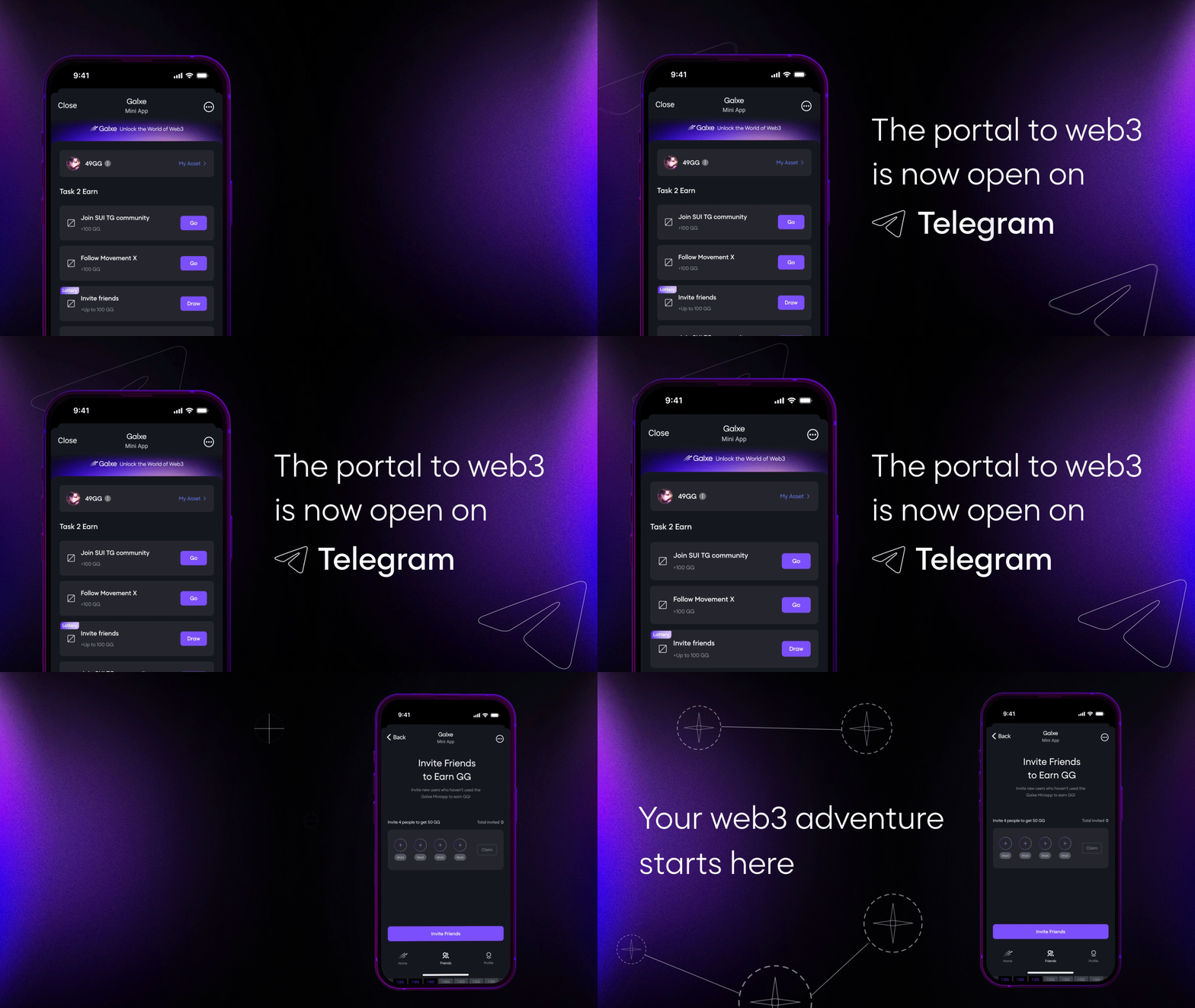
Install the @tonconnect/ui package and create a new instance. Configure the manifestUrl to point to your app's metadata file. This sets up the underlying bridge for all blockchain interactions.
Set up the adapter to detect available wallets. The SDK automatically lists compatible wallets based on the user's device and Telegram version. Ensure your manifest includes the correct url and name to build user trust during the discovery phase.
Add a "Connect Wallet" button to your UI. When clicked, call tonConnectUI.connectWallet(). This triggers the Telegram Wallet popup, where the user reviews your manifest and approves the connection. Handle the statusChange event to update your UI when the connection succeeds or fails.
Once connected, use the user's address to prepare transaction payloads. Always test these payloads on the TON Testnet first. Verify that the validUntil timestamp is set correctly to prevent expired transactions. This step is critical for ensuring a smooth user experience during monetization events.
Choose a revenue model for your mini app
Selecting the right monetization path dictates your technical architecture and user experience. In 2026, Telegram Mini Apps primarily rely on three models: in-app purchases, subscription access, and crypto gaming. Your choice should align with your product’s core utility and your target audience’s spending habits.
In-app purchases
In-app purchases (IAP) work best for utility apps or games where users buy specific features, virtual goods, or content unlocks. This model leverages Telegram’s built-in payment infrastructure, allowing seamless transactions without leaving the app. Users pay for discrete items, which lowers the barrier to entry compared to upfront costs.
Subscription access
Subscription models provide predictable recurring revenue by gating premium features or exclusive content. This approach suits productivity tools, news aggregators, or specialized data services. You must continuously deliver value to retain subscribers, as churn is a constant risk. The technical complexity is moderate, requiring robust user management and billing logic.
Crypto gaming
Crypto gaming integrates TON blockchain assets, such as NFTs or tokens, directly into the gameplay loop. This model attracts a niche but highly engaged audience willing to spend on digital ownership and play-to-earn mechanics. It requires higher technical expertise to handle wallet connections and smart contract interactions, but it offers unique monetization opportunities beyond traditional fiat.
Comparison of monetization models
The table below compares these three primary revenue models across key metrics relevant to 2026 development. Use this to gauge fit for your specific project scope.
| Model | Customer Acquisition Cost | Technical Complexity | User Retention Driver |
|---|---|---|---|
| In-App Purchases | Low | Low | One-time value |
| Subscription | Medium | Medium | Ongoing utility |
| Crypto Gaming | High | High | Asset ownership |
Next steps
Once you select a model, proceed to technical implementation. Ensure your development team understands the specific requirements of your chosen path, whether it’s integrating Telegram’s payment API, setting up subscription management, or deploying smart contracts on the TON blockchain.
Implement the Telegram Wallet API for payments
Integrating the Telegram Wallet API is the standard method for processing TON transactions within Mini Apps. This approach replaces manual wallet address sharing with a secure, in-app payment sheet that handles the signing and broadcasting of transactions. By using the official API, you ensure that the user’s wallet provider (Tonkeeper, MyTonWallet, or others) validates the transaction details before execution.
Before accessing the wallet, your Mini App must initialize the Telegram WebApp SDK. This establishes the connection between your web view and the Telegram client. Import the SDK and call init to ensure the environment is ready for native API calls. Without this initialization, the wallet extension will not recognize your request context.
Use the Telegram.WebApp.requestWallet method to trigger the payment flow. Pass a JSON object containing the message field, which includes the transaction parameters: ton (amount in nanotons), valid_until (timestamp), and the payload (optional data for your backend). The SDK automatically formats this into a transaction preview for the user’s wallet.
The requestWallet method returns a promise that resolves with the transaction hash upon successful broadcast. Do not grant access to premium features or digital goods immediately upon receiving this hash. Instead, send the hash to your backend server to verify the transaction on the TON blockchain. This step is critical to prevent double-spending or fraudulent payment states where the user might cancel the transaction in their wallet before it is fully confirmed.
This sequence ensures that your Mini App interacts securely with the user’s existing wallet infrastructure. By delegating the signing process to the wallet provider, you avoid the security risks associated with storing private keys or handling raw transaction serialization in your own codebase.
Avoid common integration mistakes
Shipping a TON-integrated Telegram mini app requires more than just wiring up the wallet SDK. The difference between a retained user and an instant uninstall often comes down to how you handle friction during onboarding and how strictly you follow Telegram’s UI standards. When users encounter unexpected wallet pop-ups or broken layouts, they assume the app is unreliable, regardless of your backend logic.
Handle wallet connections gracefully
The most frequent error is treating the TON Connect modal as an afterthought. If your app requires a wallet connection before showing any value, you will lose users who are just browsing. Implement a "connect wallet" button that only appears when the user attempts an action that requires signing, such as purchasing an item or claiming a reward.
Use the TON_CONNECT_UI library to manage the connection state. Ensure your app handles the disconnected event properly, allowing users to switch wallets or reconnect without reloading the entire page. A broken connection state that forces a full page refresh is a primary reason for user churn in crypto-native mini apps.
Follow Telegram’s design guidelines
Telegram mini apps run inside a specific browser environment with its own set of UI components and color themes. Ignoring these guidelines results in an app that looks out of place and feels untrustworthy. Use the Telegram Web Apps SDK to detect the user’s theme (light or dark) and apply the correct color variables automatically.
Do not use custom scrollbars or non-standard navigation patterns. Telegram users expect the app to feel native. If your mini app uses a bottom navigation bar that conflicts with Telegram’s own interface, users will become confused. Stick to the standard back-button behavior and ensure your layout adapts to different screen sizes without horizontal scrolling.
Test on actual devices
Simulators do not accurately reflect the performance or behavior of the Telegram in-app browser. Many TON Connect features and Telegram-specific APIs behave differently on iOS versus Android. Always test your mini app on physical devices before launching. Pay special attention to keyboard handling when users input wallet addresses or transaction amounts, as the on-screen keyboard can obscure critical UI elements.
Verify your mini app before launch
Before distributing your monetization-ready Telegram mini app, run through this technical and compliance checklist. A stable, secure build prevents revenue loss and account suspension.
Deploy your app to the TON Testnet. Simulate every payment scenario: successful purchases, failed transactions, and refunds. Ensure your smart contract logic handles edge cases without freezing the user interface.
Replace all development keys with production credentials. Verify that your server-side logic securely handles TON Connect authentication and that no private keys are exposed in the client-side code.
Follow the official Telegram Mini Apps documentation to submit your app for review. Ensure your app’s manifest is correct and that it respects Telegram’s design guidelines to avoid rejection.
Questions about TON mini app monetization
Developers building on TON often face specific hurdles regarding transaction costs, platform fees, and wallet integration. Understanding these mechanics early prevents costly redesigns later in the development cycle.
How much does it cost to process TON transactions?
TON’s transaction fees are negligible, typically costing a fraction of a cent. This low cost structure allows you to offer seamless micro-transactions or in-app purchases without alienating users with high gas fees. The network is designed to handle high throughput efficiently, making it ideal for high-frequency mini app interactions.
Does Telegram take a revenue share from mini apps?
Currently, Telegram does not take a direct percentage cut of revenue generated by third-party mini apps. However, you must account for payment processing fees if you use integrated crypto wallets or third-party payment gateways. Always verify the latest terms in the Telegram Mini Apps documentation as platform policies evolve.
Which wallets are supported for TON payments?
The most common integration is through the TON Wallet bot, which allows users to send and receive assets directly within the Telegram interface. You can also integrate other non-custodial wallets like Tonkeeper via standard wallet connect protocols. Ensure your app handles connection states gracefully to avoid user drop-off during the signing process.
No comments yet. Be the first to share your thoughts!