
Why build inside Telegram in 2026
Telegram Mini Apps 2026 represent a shift in how users access digital services. Instead of downloading separate applications, users interact with full-featured web experiences directly within the messenger. This zero-friction distribution model removes the traditional barriers of app store approvals and device storage limits.
For Web3 game developers, this architecture is particularly powerful. Players can launch a game with a single tap, play through browser-based interfaces, and interact with blockchain wallets without leaving the chat environment. This immediacy dramatically lowers the cost of customer acquisition compared to traditional mobile app ecosystems.
The strategic advantage lies in the integration. By embedding your game inside a platform where users already spend hours daily, you bypass the "app fatigue" that slows adoption elsewhere. You are not asking users to find you; you are meeting them where they already are.
Set up the development environment
Building telegram mini-apps 2026 requires a structured workflow before writing game logic. You need a Telegram bot to act as the entry point and a local project initialized with the official SDK. This setup ensures your web app can communicate correctly with the Telegram client.
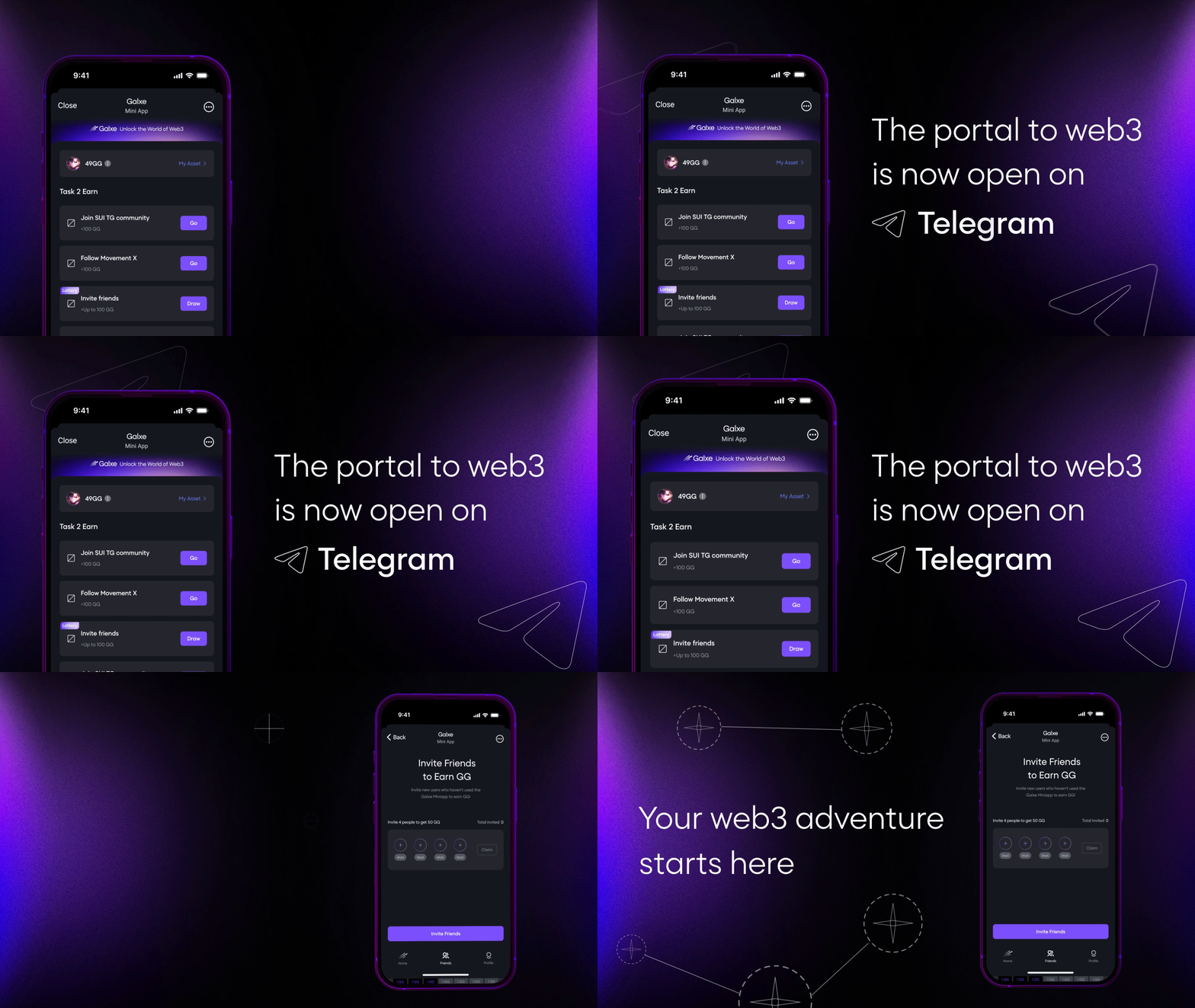
Open Telegram and search for @BotFather. Send the /newbot command and follow the prompts to name your bot and generate an access token. Save this token securely; it authenticates your backend server. This bot serves as the launcher for your mini app.
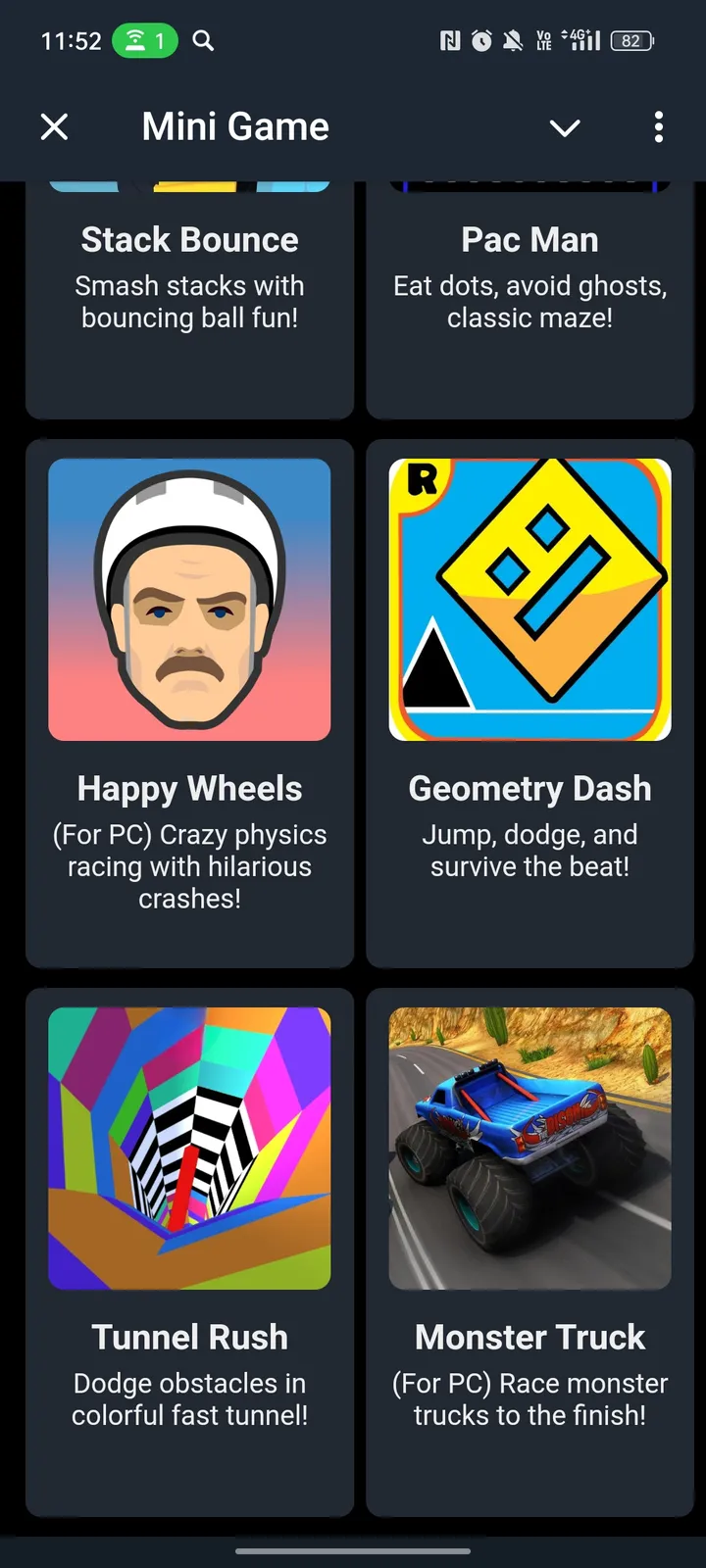
Create a new directory for your game and initialize a standard Node.js project using npm init -y. This creates a package.json file to manage dependencies. Organize your folder with separate directories for src (source code), public (static assets like HTML and CSS), and config.
Install the official SDK to handle initialization and theme parameters. Run the following command in your terminal:
npm install @twa-dev/sdk
This package provides the initData and UI helpers needed to integrate your web interface with the Telegram client.
Create public/index.html and include the SDK script tag. The script must be loaded before your application logic initializes. Add a basic HTML structure with a container for your game canvas or UI elements. This file will be served as the web app’s root.
<!DOCTYPE html>
<html lang="en">
<head>
  <meta charset="UTF-8">
  <meta name="viewport" content="width=device-width, initial-scale=1.0">
  <title>My Telegram Game</title>
  <script src="https://telegram.org/js/telegram-web-app.js"></script>
</head>
<body>
  <div id="app"></div>
  <script src="/src/main.js"></script>
</body>
</html>
Link your bot to the web app via BotFather using the /newapp command. Point it to your hosted URL (or a local tunnel like ngrok for testing). Once linked, launch the bot and click the menu button to verify the app opens within Telegram. Check the console for any initialization errors.
Implement the Web3 wallet connection
To let users interact with your blockchain game, you need a bridge between the Telegram Mini App interface and their on-chain identity. TonConnect is the standard protocol for this integration in the TON ecosystem. It allows users to sign transactions and approve actions without ever leaving the Telegram environment.
This guide walks you through setting up TonConnect UI within your Mini App. We will cover initialization, connecting the wallet, and handling the user session. Follow these steps to enable seamless Web3 functionality in your telegram mini-apps 2026 project.
Begin by installing the official TonConnect UI package in your Mini App project. This library provides the pre-built UI components for the wallet connection modal, saving you from designing a complex connection flow from scratch. Run the following command in your terminal to add the dependency:
Wrap your application’s root component with TonConnectUIProvider. This context provider manages the connection state across your entire app. You must pass a manifestUrl pointing to a JSON file that describes your Mini App (name, icon, URL). This manifest is required for Telegram to display your app correctly in the wallet’s connection request.
Place the <TonConnectButton /> component in your UI where you want users to initiate the connection. When clicked, it triggers the TON Wallet modal. The user selects their preferred wallet (e.g., Tonkeeper, MyTonWallet) and approves the connection request. This button handles the underlying protocol communication automatically.
Use the useTonConnectUI hook to access the connection status and account details. You can check if the user is connected via connected and retrieve their address via account?.address. Use this data to update your game’s UI, such as showing a balance or enabling trading features. Always check the connection status before attempting any blockchain transactions.
Once connected, use the tonConnectUI.sendTransaction() method to broadcast on-chain actions. Pass a transaction object containing the destination address, amount, and payload. The TON Wallet will display a preview of the transaction for the user to confirm. This ensures users always review what they are signing, maintaining security and trust within your telegram mini-apps 2026 implementation.
Build the game loop and UI
The user experience of a telegram mini-app 2026 title relies on feeling like a native part of the messenger, not a clunky web page stuck inside a frame. To achieve this, you must integrate the Telegram Web Apps SDK early in your frontend setup. This SDK bridges your React or Vue components with the native Telegram client, giving you access to hardware-specific features like haptic feedback, theme parameters, and native navigation controls.
Your game loop needs to handle state changes efficiently while respecting the limited viewport of mobile screens. Instead of full-page reloads, use the SDK to trigger native UI elements that overlay your canvas or DOM. This keeps the game context active while allowing the user to interact with system-level buttons without breaking immersion.
Hook into the MainButton
The MainButton is the primary action bar at the bottom of the Telegram interface. For a game, this is where you place your "Start," "Buy," or "Claim" actions. Unlike standard HTML buttons, the MainButton supports native haptic feedback, which significantly improves the tactile feel of winning or losing.
Initialize the button in your component’s useEffect hook. Set its text color and background color to match your game’s theme, then listen for the MainButton.onClick event. When the user taps it, trigger your game logic (like spawning an enemy or awarding tokens) and call MainButton.hide() or MainButton.show() as needed. This creates a seamless flow where the UI reacts instantly to gameplay events.
Handle Navigation with BackButton
Telegram Mini Apps 2026 standards emphasize smooth navigation. If your game has multiple screens (e.g., a lobby, the game arena, and a results screen), use the BackButton to allow users to return to the previous state without closing the app. This is critical for retaining users who might want to check their profile or switch chats while keeping the game open.
Enable the BackButton when entering a secondary screen. In your navigation handler, call BackButton.hide() when returning to the main game loop. Ensure your routing logic prevents the user from navigating back into a state that has already been resolved (like a finished game round). This prevents logic errors and keeps the experience clean.
Sync with Theme Parameters
Telegram users switch between light and dark modes frequently. Your game UI must adapt automatically. The SDK provides themeParams that contain hex codes for backgrounds, text, and buttons. Use these values to style your CSS variables dynamically.
This ensures your game looks native regardless of the user’s preference. Hardcoding colors will make your app feel out of place and can cause accessibility issues. By syncing with the system theme, you reduce development overhead and improve the perceived quality of your telegram mini-app 2026 project.
Import TelegramWebApps from your SDK package. Call init() in your root component to establish the connection with the Telegram client. Verify that window.Telegram.WebApp is defined before proceeding with any UI logic.
Set the button text and colors using MainButton.setText() and MainButton.setColor(). Attach an event listener for MainButton.onClick to handle primary game actions like "Play" or "Purchase."
Use BackButton for secondary screens. Call BackButton.show() when entering a new view and BackButton.hide() when returning to the main loop. Ensure your state management prevents invalid back-navigation states.
Read window.Telegram.WebApp.themeParams to extract CSS variables. Map these values to your game’s background, text, and button styles to ensure consistent appearance across light and dark modes.
Deploy and test the mini app
Before you share your telegram mini-apps 2026 project with the world, you need to host the frontend and link it to your bot. This section walks through the final configuration steps: hosting your static files, connecting the URL in BotFather, and using Telegram’s debug mode to verify functionality.
Your web app needs a public, HTTPS-enabled URL. You can host static files on services like Vercel, Netlify, or GitHub Pages. Ensure your build output is clean and the main entry point (usually index.html) loads correctly. Telegram requires HTTPS for all mini apps, so verify your domain has a valid certificate.
Open Telegram and search for @BotFather. Select your bot and choose the option to configure the menu button or set a web app URL. Paste the HTTPS link to your hosted frontend. This step connects the Telegram interface to your hosted code, allowing the app to launch when users interact with your bot.
Telegram offers a built-in debug environment for developers. Use the @BotFather command /setinline or launch your app via the "Debug" option in the Telegram client. This mode allows you to inspect console logs, network requests, and UI behavior without publishing the app publicly. It is the safest way to catch errors before launch.
Once your app runs smoothly in debug mode, you are ready to make it live. Users can now access your game or service directly within Telegram, just like any other mini app.
Monetize your Telegram mini app
Turning your telegram mini-apps 2026 project into a sustainable business requires choosing the right revenue model early. The platform supports several distinct approaches, from native digital goods to decentralized tokenomics and traditional advertising. Selecting the correct mix depends on your user base and the complexity of your game mechanics.
Native purchases with Telegram Stars
Telegram Stars serve as the platform’s native virtual currency, allowing users to buy in-game items, skins, or premium features without leaving the messenger. This method offers the lowest friction because users do not need to connect a wallet or enter credit card details. Integration is straightforward via the Telegram Payments API, making it ideal for casual games and social utilities.
Web3 tokenomics and crypto payments
For games built on blockchain infrastructure, accepting cryptocurrency directly or using custom tokens creates a deeper economic loop. Players can earn tokens through gameplay and spend them within the ecosystem, fostering retention. While this appeals to a niche audience, it requires handling wallet connections and gas fees, which can create barriers to entry for mainstream users.
Ad integration and sponsorships
Displaying ads within your mini app provides a passive income stream that does not disrupt the core gameplay. You can integrate SDKs from ad networks to show banners or rewarded videos where users watch content for in-game bonuses. This approach works best for high-traffic apps where user engagement metrics are strong, allowing you to monetize free-to-play audiences effectively.
| Model | Setup Complexity | Best For | Revenue Potential |
|---|---|---|---|
| Telegram Stars | Low | Mainstream users | High volume, low margin |
| Crypto/Web3 | High | Crypto natives | Variable, token-dependent |
| Ads | Medium | High-traffic free apps | Stable, volume-based |
Common pitfalls in TMA development
Building telegram mini-apps 2026 requires more than just coding; it demands a realistic view of the platform’s limitations. Many developers underestimate how hard it is to get users to find their app, how poorly it runs on older phones, and how exposed their users’ data becomes when connecting to Web3.
The Discovery Trap
Telegram does not have a traditional app store. There is no ranking algorithm or search index that pushes high-quality games to the top. As noted by developers on Reddit, even polished apps remain invisible unless they are aggressively promoted through external channels or paid partnerships.
You cannot rely on organic discovery. If you build it, they will not come. You must drive traffic from social media, influencers, or cross-promotions before you write a single line of code.
Performance on Low-End Devices
Telegram is global, meaning a significant portion of your users are on low-end Android devices with limited RAM and older processors. Heavy JavaScript frameworks or unoptimized 3D assets will cause stuttering or crashes.
Profile your app on a budget device early. If your game takes more than two seconds to load, you have already lost half your audience. Keep the bundle size small and avoid heavy animations.
Web3 Security Risks
Integrating wallets and smart contracts introduces significant security liabilities. Telegram’s sandboxed environment is not a secure vault. If your mini-app mishandles private keys or exposes transaction data, users are vulnerable to phishing and theft.
Never store sensitive keys in local storage. Use Telegram’s built-in authentication where possible, and always validate user inputs on the backend. One vulnerability can destroy trust instantly.
Frequently asked questions about Telegram mini apps 2026
What are Telegram mini apps?
Telegram mini apps are web applications that run directly inside the Telegram messenger. They launch instantly without requiring users to download or install separate software from an app store. This architecture allows developers to build app-like experiences, including games and services, that integrate seamlessly with the chat interface.
Is Telegram still private in 2026?
Telegram’s default privacy model has not changed. Regular one-on-one and group chats are not end-to-end encrypted by default; instead, they are stored on Telegram’s servers in a format that allows the company to access them if legally compelled. For true privacy, users must manually enable "Secret Chats," which use end-to-end encryption and do not sync across devices.
Can I develop a mini app without coding?
Yes, but with limitations. Telegram provides no-code builders and templates for simple bots or landing pages. However, for a functional web3 game or complex interactive experience, you will need to write code. The development typically involves a frontend (React, Vue, or similar) and a backend to handle data and blockchain interactions.
Do mini apps cost money to run?
Telegram does not charge developers to publish or host mini apps. The platform is free to use. However, you are responsible for your own server costs, domain hosting, and any blockchain transaction fees (gas fees) if your app interacts with a crypto network.
Are mini apps safe for users?
Mini apps are generally safe because they run in a sandboxed environment within Telegram. However, they are still web apps, so they can be vulnerable to standard web security issues like XSS if not coded properly. Users should always verify the developer’s reputation before connecting their wallet or sharing sensitive data.
No comments yet. Be the first to share your thoughts!