
Why Telegram mini-apps matter in 2026
Telegram mini-apps development 2026 leverages a massive, active audience already engaged within the platform. With 950 million monthly active users and over 70% opening the app daily, this scale provides an immediate distribution channel unmatched by standalone mobile applications.
The technical advantage lies in frictionless user experience. Unlike native apps requiring downloads and registrations, mini-apps load instantly within Telegram. Users start using your service with a single tap, significantly lowering customer acquisition costs by bypassing expensive app store optimization and ad spend.
For developers, this means focusing on core functionality rather than onboarding hurdles. The ecosystem supports web technologies, allowing you to build once and deploy across iOS and Android without managing separate codebases. By 2026, this approach is the standard for rapid growth in social commerce, gaming, and utility services.
Set up the dev environment and TON wallet
Before writing code, configure a local Node.js environment, a Telegram bot token, and a TON wallet for Web3 interactions. This setup ensures your project communicates with both the Telegram API and the TON blockchain.
Ensure Node.js (LTS version) is installed. Run npm init to create a package.json file, then install the Telegram Web App SDK and TON Connect packages:
npm install @twa-dev/sdk @tonconnect/ui-react
These libraries handle user authentication and blockchain connectivity out of the box.
Open Telegram and search for BotFather. Send the /newapp command and follow the prompts to name your mini-app. BotFather will provide a direct link to launch the app (e.g., t.me/YourBot/app). Save this link; you will need it to test the app in a browser and on mobile devices.
Initialize the TON Connect UI in your React app. Import TonConnectUI and wrap your app with TonConnectUIProvider, passing your manifest URL. This manifest contains metadata about your mini-app, including its name, icon, and home URL, which TON wallets use to verify the app's authenticity.
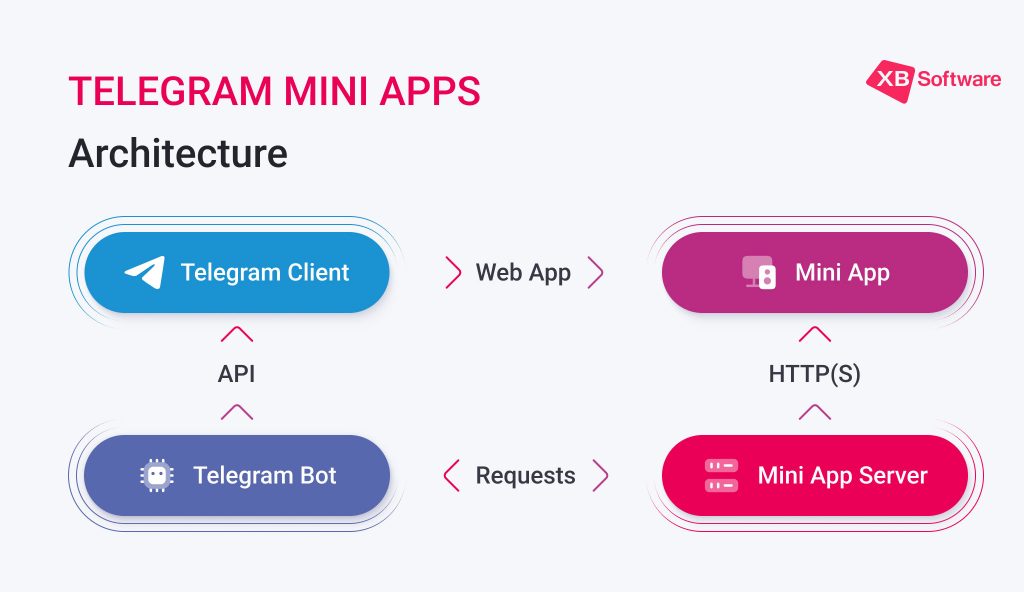
Initialize window.Telegram.WebApp to access user data and expand the app to full screen. Use initDataUnsafe.user to retrieve the user's ID and name for personalized experiences. This step bridges the Telegram client with your frontend, allowing seamless user identification without additional login flows.
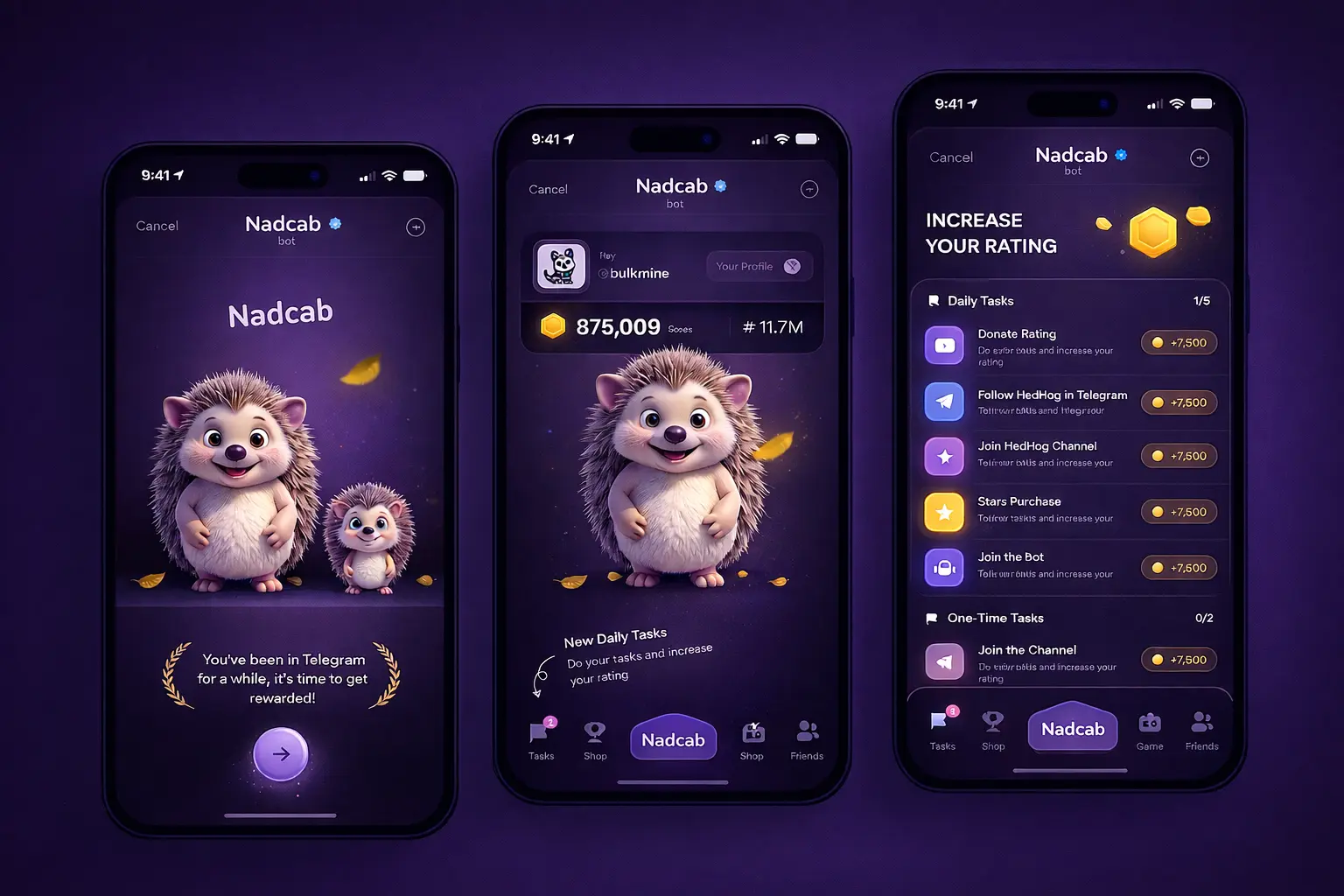
Run your dev server and open the local URL in a browser to verify functionality. Then, use the BotFather link to test on an actual Telegram client. Check that the TON Connect button renders correctly and that user data passes through the Telegram SDK as expected.
Build the frontend interface and logic
Telegram mini-apps development 2026 relies on tight integration between your frontend framework and the Telegram WebApp SDK. The app runs inside a WebView, meaning you must handle navigation, theming, and user interactions through Telegram’s JavaScript API rather than standard browser methods.
Import the SDK at the entry point of your application. For React or Vue projects, this usually means adding @twa-dev/sdk or the official telegram-web-app.js script. Call Telegram.WebApp.ready() immediately to signal that your UI is loaded and ready for interaction. This step ensures the native Telegram shell is synchronized with your web view.
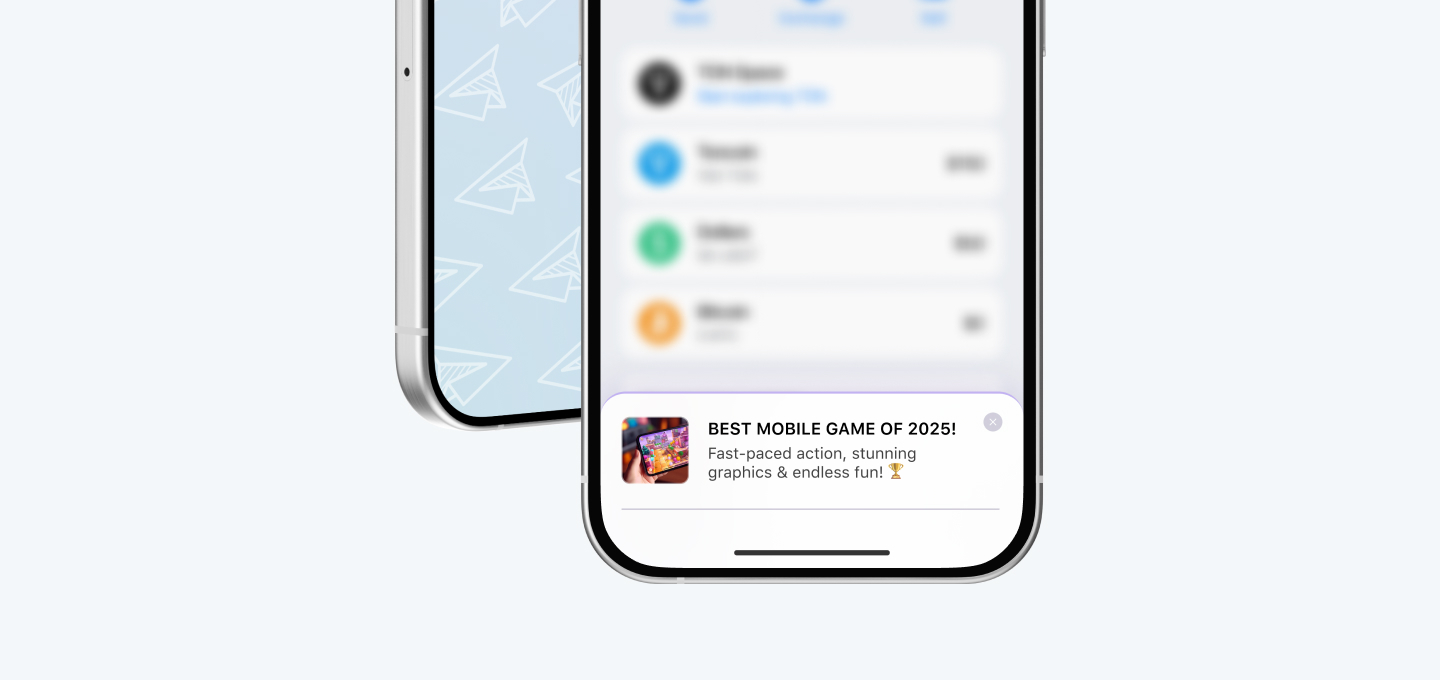
Use CSS custom properties like --tg-theme-bg-color and --tg-theme-text-color to match the user’s current Telegram theme. This allows your mini-app to automatically switch between light and dark modes without extra code. Avoid hardcoding colors; instead, rely on the SDK’s themeParams object to keep the interface consistent with the host app.
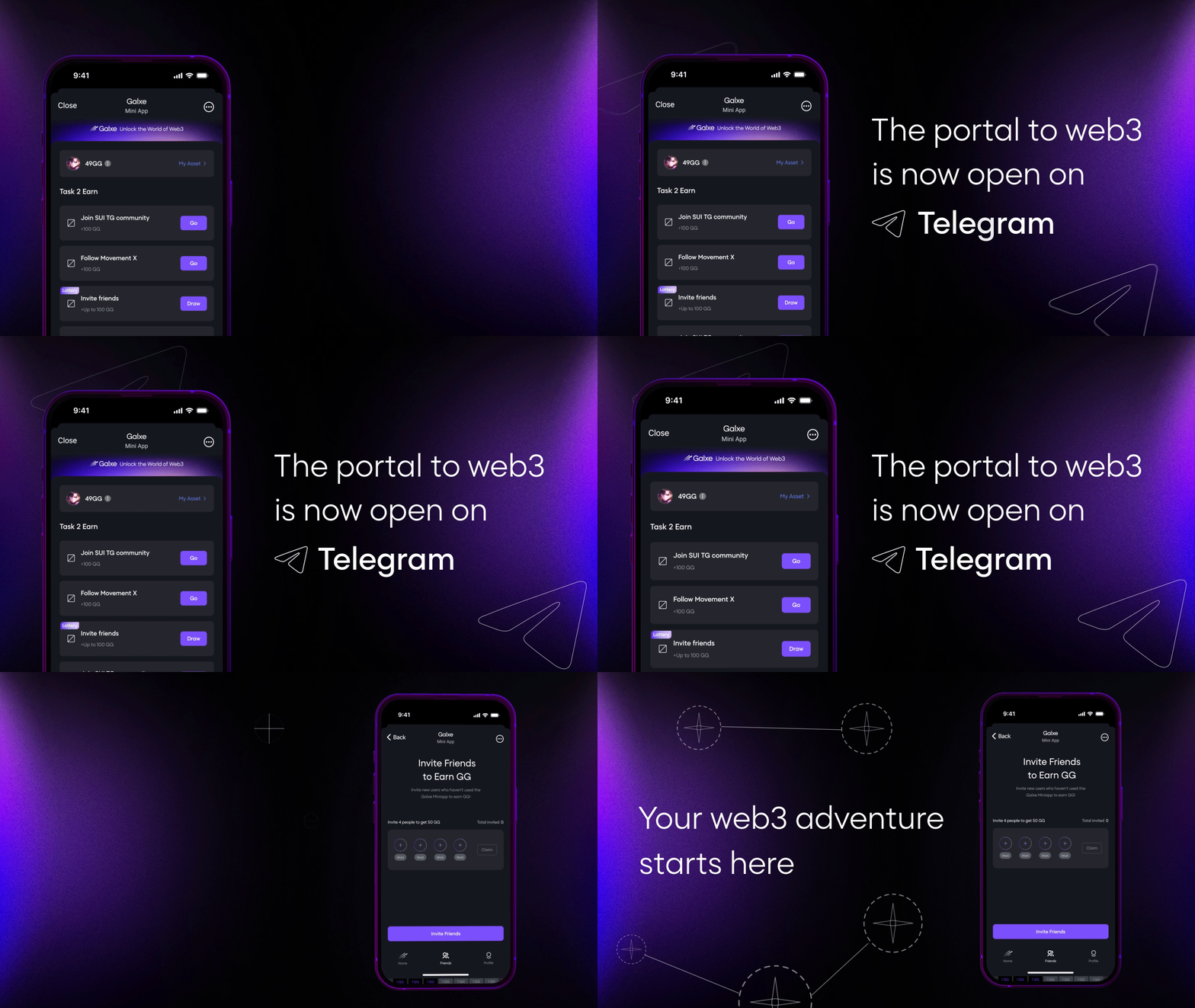
Replace standard browser back buttons with Telegram’s MainButton and BackButton components. Use Telegram.WebApp.expand() to maximize the viewing area and provide a full-screen experience. Handle user interactions like button clicks or swipe gestures using Telegram’s event listeners to ensure smooth performance within the constrained WebView environment.
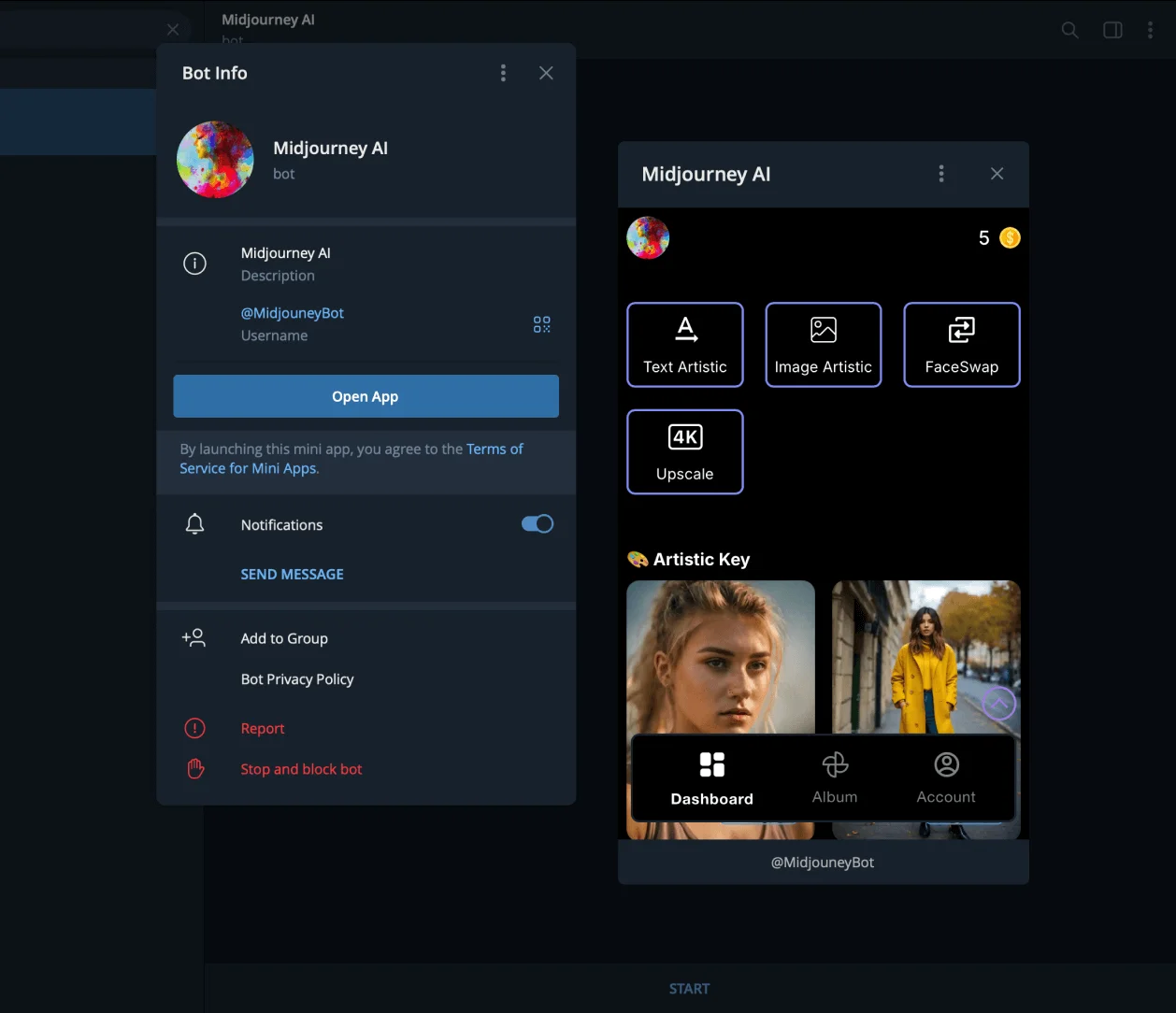
Retrieve user information via Telegram.WebApp.initDataUnsafe only when necessary and validate the data on your backend. Never trust client-side data alone. Use Telegram’s built-in authentication flow to pass a secure hash that verifies the user’s identity, ensuring your mini-app remains secure.
Integrate Web3 payments and TON transactions
Adding TON blockchain support turns your project into a self-contained economy. Users can buy digital goods, unlock premium features, or subscribe to services without leaving the chat interface. This frictionless flow is critical for monetization, as it removes the barriers of external browser redirects or complex fiat payment gateways.
1. Install the TON Connect SDK
Start by adding the official TON Connect UI library to your project. This package provides the pre-built wallet selection modal and connection logic, saving you from writing complex cryptographic handshake code from scratch.
npm install @tonconnect/ui-react
Wrap your mini-app’s root component with TonConnectUIProvider. Pass your app’s manifest URL, which must be hosted publicly and contain your app’s name, icon, and URL. This manifest tells the TON wallet exactly what application is requesting access.
2. Implement the Wallet Connection Flow
Place a "Connect Wallet" button in your UI. When clicked, trigger the tonConnectUI.connect() method. This opens the TON wallet modal, allowing users to select their preferred wallet (e.g., Tonkeeper, MyTonWallet) and approve the connection.
Once connected, the wallet’s public address is stored in your app’s state. You can now use this address to identify unique users and track their transaction history. Ensure you handle disconnection events gracefully, clearing local state when the user disconnects.
Configure TonConnectUIProvider with your manifest URL in the root component. This establishes the secure bridge between your frontend and the TON blockchain.
Monitor the connected boolean from the SDK. Display user-specific content or premium features only when this flag is true, ensuring a secure user experience.
Construct a SendTransactionRequest object with the recipient address, amount in nanotons, and payload data. Call tonConnectUI.sendTransaction() to initiate the payment.
Listen for the transaction result. On success, update your UI to reflect the purchased item. On failure, display the specific error code to help the user retry or correct their input.
3. Construct and Send Transactions
When a user initiates a purchase, build a transaction object specifying the destination wallet, the amount in nanotons (1 TON = 10^9 nanotons), and any optional payload data. This payload can include a unique order ID or a signature to verify the purchase on your backend.
Call tonConnectUI.sendTransaction(). The TON wallet will pop up, showing the transaction details. The user must approve the transaction in their wallet app. Once approved, the transaction is broadcast to the TON blockchain.
4. Verify on the Backend
Never trust the frontend alone. After the user sees a "Success" message, your frontend should send the transaction hash to your backend server. Your server should then query the TON blockchain (via a node like TON Center or a third-party API) to confirm the transaction is included in a block and has the expected value.
Only after backend verification should you grant the user access to the purchased content. This step prevents fraudulent claims and ensures that your revenue matches your blockchain records.
5. Handle Edge Cases and Errors
Users may reject transactions, run out of TON for gas, or experience network delays. Your UI must handle these states clearly. Provide specific error messages: "Transaction rejected by user," "Insufficient balance," or "Network congestion."
Implement a retry mechanism for transient network errors. For persistent failures, guide the user to check their wallet balance or switch to a different network if your app supports multiple chains.
Test, deploy, and launch your mini app
Before exposing your Telegram mini-app to the public, verify that the code runs smoothly inside the Telegram environment and that your hosting infrastructure is stable. This phase separates working prototypes from production-ready software.
1. Test in Telegram Debug Mode
Telegram provides a built-in debug mode that allows you to test your mini-app without publishing it to the BotFather. This environment mimics the actual runtime conditions, including user identity and device parameters.
Open your bot settings in BotFather and enable the "Debug Mode" for your web app. This generates a special debug link that bypasses the standard web view restrictions, allowing you to access developer tools and console logs directly within Telegram.
Point your debug link to your local development server (e.g., http://localhost:3000). This allows you to iterate on code changes instantly. Verify that the Telegram WebApp SDK initializes correctly and that user data is passed accurately from the client to your backend.
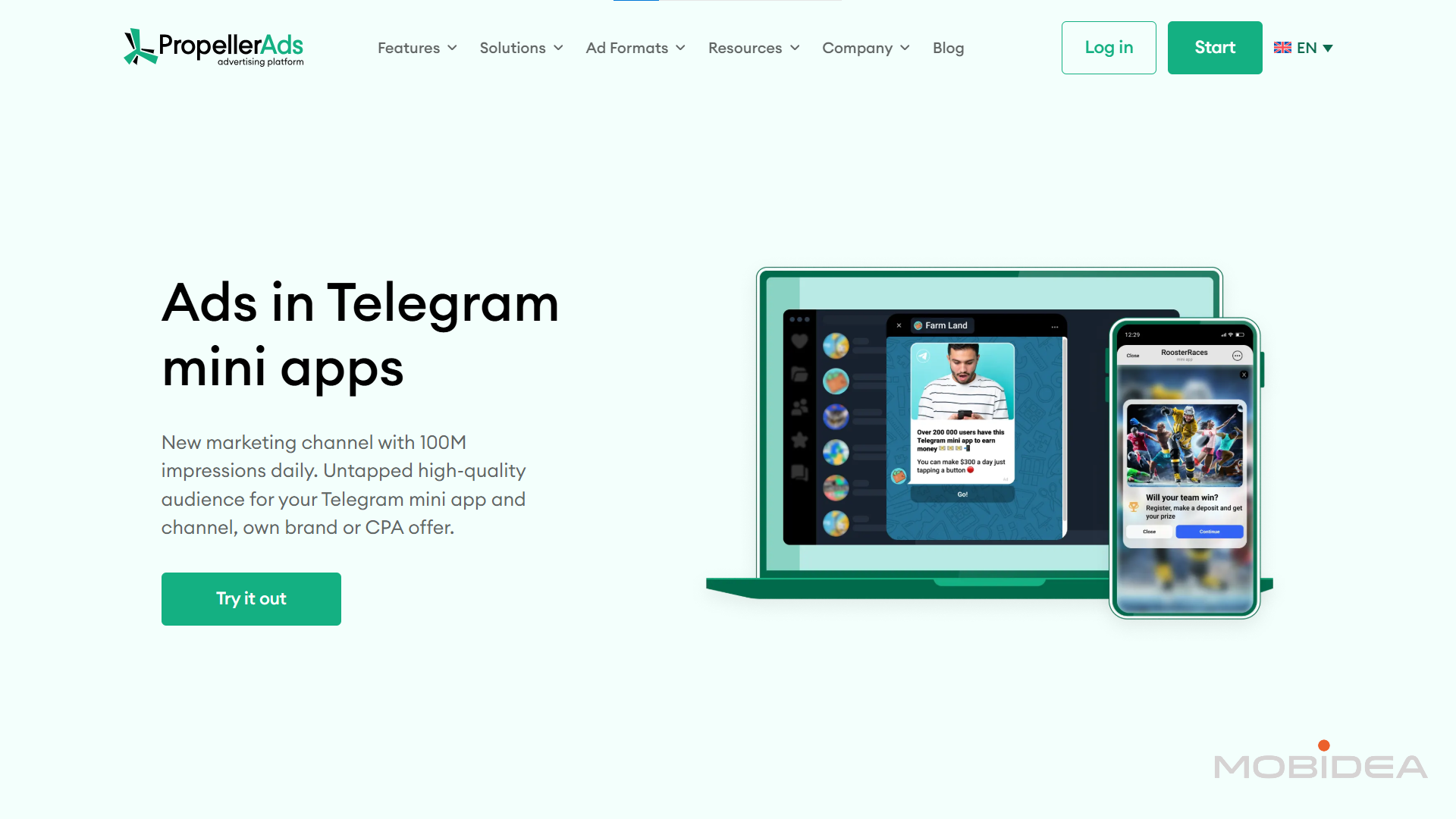
Test the UI on both iOS and Android devices within the Telegram app. Check for viewport issues, button tap targets, and keyboard interactions. Ensure that the app adapts to different screen sizes and respects the Telegram theme colors for a native feel.
2. Deploy Static Assets
Telegram mini-apps are essentially static websites hosted on any HTTPS-compatible server. You need to upload your built frontend files to a reliable hosting provider.
- Build your project: Run your build command (e.g.,
npm run build) to generate the production-ready static files. - Upload to host: Deploy the
distorbuildfolder to your chosen hosting provider. - Verify the URL: Ensure the public URL loads correctly in a standard browser before testing in Telegram.
3. Submit for Visibility
Once your app is hosted and tested, update the BotFather configuration to point to your live URL. This makes the mini-app accessible to your users.
Update the web_app URL in your BotFather settings to your new production link. Test the live link one last time within Telegram to ensure everything works as expected. Your development cycle is now complete, and your app is ready for users.
Common Launch Mistakes
- Forgetting HTTPS: Deploying to an HTTP endpoint will cause the app to fail to load in the Telegram client.
- Ignoring CORS: If your frontend calls a separate backend API, ensure CORS headers are configured correctly to allow requests from
t.me. - Skipping Debug Mode: Testing only in production makes it difficult to diagnose initialization errors or SDK issues.
Top tools for Telegram mini-app development 2026
Building a successful Telegram mini-app requires a stack that balances native performance with rapid iteration. The landscape favors tools that integrate seamlessly with the Telegram WebApp SDK while offering robust backend support. Selecting the right components early prevents architectural debt and ensures your app feels like a native extension of the messaging platform.
Hosting and Backend Infrastructure
Reliable hosting is the backbone of any mini-app. Since these apps run within Telegram’s WebView, your backend must handle rapid API calls and real-time updates efficiently. Platforms like Vercel or AWS Amplify offer serverless capabilities that scale automatically, reducing operational overhead. For more complex logic, consider containerized solutions on DigitalOcean or Linode to maintain full control over your environment.
UI Libraries and Frameworks
The user interface should mirror Telegram’s aesthetic to provide a cohesive experience. React is the dominant framework for this ecosystem, supported by libraries like Telegram UI that provide pre-built components matching Telegram’s design language. Using these libraries ensures consistency across iOS and Android devices. Pair this with a state management solution like Zustand or Redux Toolkit to handle complex app states without performance bottlenecks.
Blockchain and Web3 SDKs
For apps incorporating crypto payments or NFTs, integrating blockchain functionality is essential. SDKs like Wagmi and Viem simplify interactions with Ethereum and other EVM-compatible chains. These tools provide hooks and utilities that make it easier to connect wallets, sign transactions, and fetch on-chain data directly within your mini-app. Always prioritize security and gas optimization when implementing these features.


As an Amazon Associate, we may earn from qualifying purchases.
Common mistakes when building Telegram mini-apps
Telegram mini-apps development 2026 requires strict adherence to platform constraints. Developers often treat mini-apps like standard websites, leading to friction and abandonment. The Telegram environment is unique: it runs inside a chat interface with limited screen real estate and specific input methods. Ignoring these nuances results in poor user experience and higher churn.
Ignoring mobile viewport limits
Many developers design for desktop browsers first, assuming responsiveness will handle the rest. This is a critical error. Telegram mini-apps primarily run on mobile devices within the Telegram app wrapper. If your layout breaks on narrow screens or overlaps with Telegram’s native UI elements (like the back button or keyboard), users will leave immediately. Always test your design on both iOS and Android Telegram clients before launch.
Failing to handle offline states
Telegram users often switch between Wi-Fi and cellular data, or move into areas with poor connectivity. A mini-app that crashes or shows a blank screen when offline frustrates users instantly. Implement robust error handling and graceful degradation. Cache essential data locally so the app remains functional even with intermittent connectivity. This resilience builds trust and keeps users engaged during brief network drops.
Overcomplicating the onboarding flow
Users expect instant access. Requiring complex sign-ups or lengthy tutorials before they can use your core feature increases drop-off rates. Leverage Telegram’s built-in user data (like username and profile photo) to streamline registration. The goal is to get users to the "aha" moment as quickly as possible. Every extra click or form field is a potential point of failure.
Neglecting performance optimization
Mini-apps load within the Telegram WebView, which has memory and processing limits. Heavy JavaScript bundles, unoptimized images, and synchronous network requests can cause lag or crashes. Keep your bundle size small and prioritize lazy loading for non-critical assets. A smooth, responsive interface is non-negotiable for retaining users in a fast-paced chat environment.
Telegram mini-apps development 2026: frequently asked: what to check next
Here are the most common technical and strategic questions about building and monetizing Telegram mini-apps in 2026.
No comments yet. Be the first to share your thoughts!